navarre.ai
AI and Semantic Search
Download the slides (PDF, 1.8 MB) →Read the slides as text →
Slide 1Integrating Semantic Search and Generative AI
- Zoom code:
- 503-616-9422
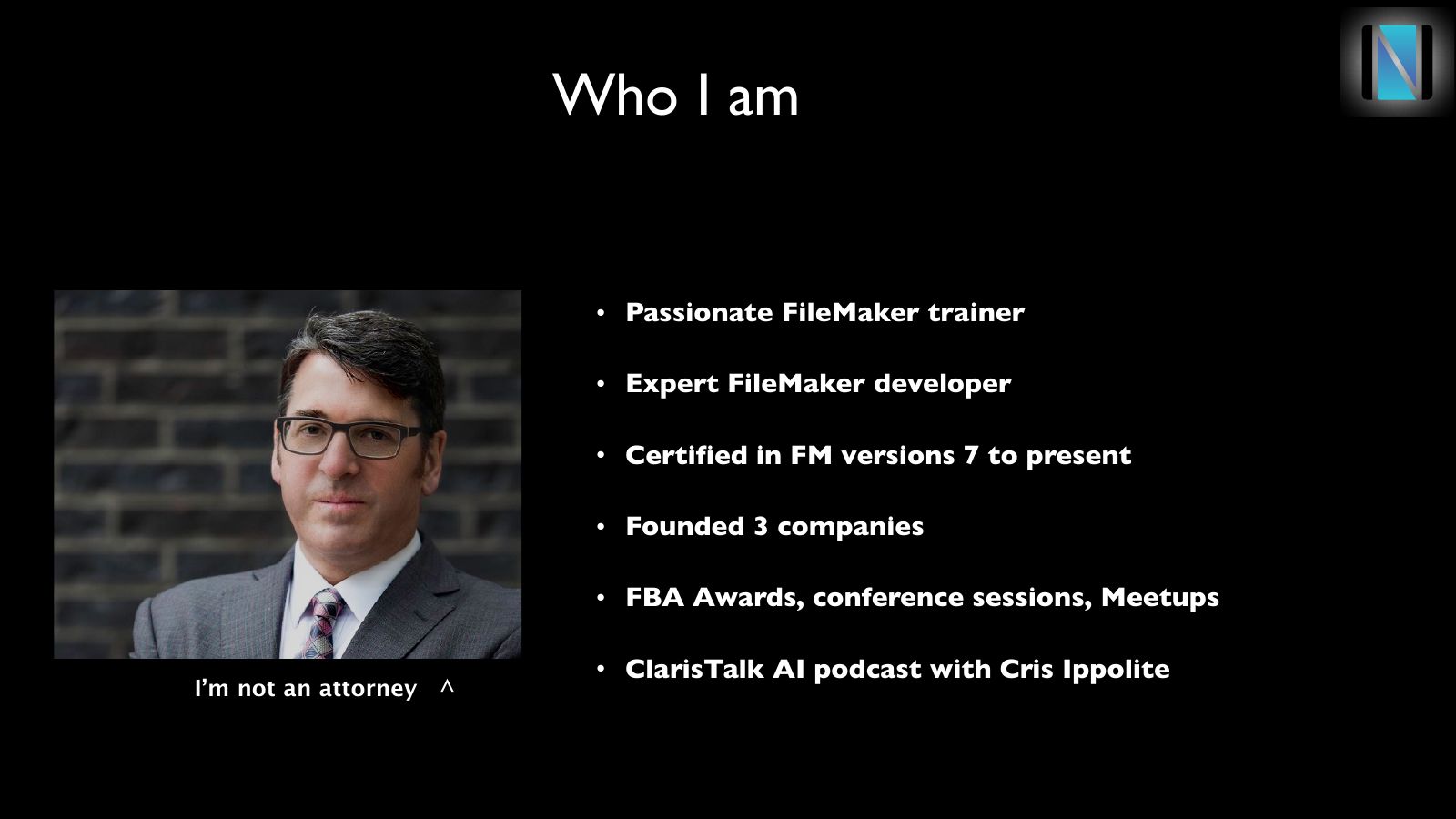
Slide 2Who I am
- Passionate FileMaker trainer
- Expert FileMaker developer
- Certified in FM versions 7 to present
- Founded 3 companies
- FBA Awards, conference sessions, Meetups
- ClarisTalk AI podcast with Cris Ippolite
I’m not an attorney ^
Slide 3What I do
- Champion Class coming January 7th
- Intensive 10 week class covering entire platform
- Emphasizes current best practices and AI
- On-site training, mentoring, consulting
- matt@navarre.training
Slide 4Agenda
- Boring slide show ~ a few more minutes
- Semantic Search Integration
- 10 minute break
- Generative AI integration
- Semantic + Generative = wow
- Q&A
Slide 5Today’s Class
- Integrate Semantic Search
- Using OpenAI connection / API key
- Integrate Generative AI
- It’s all about the prompt
- Link them
Slide 6Branches of AI
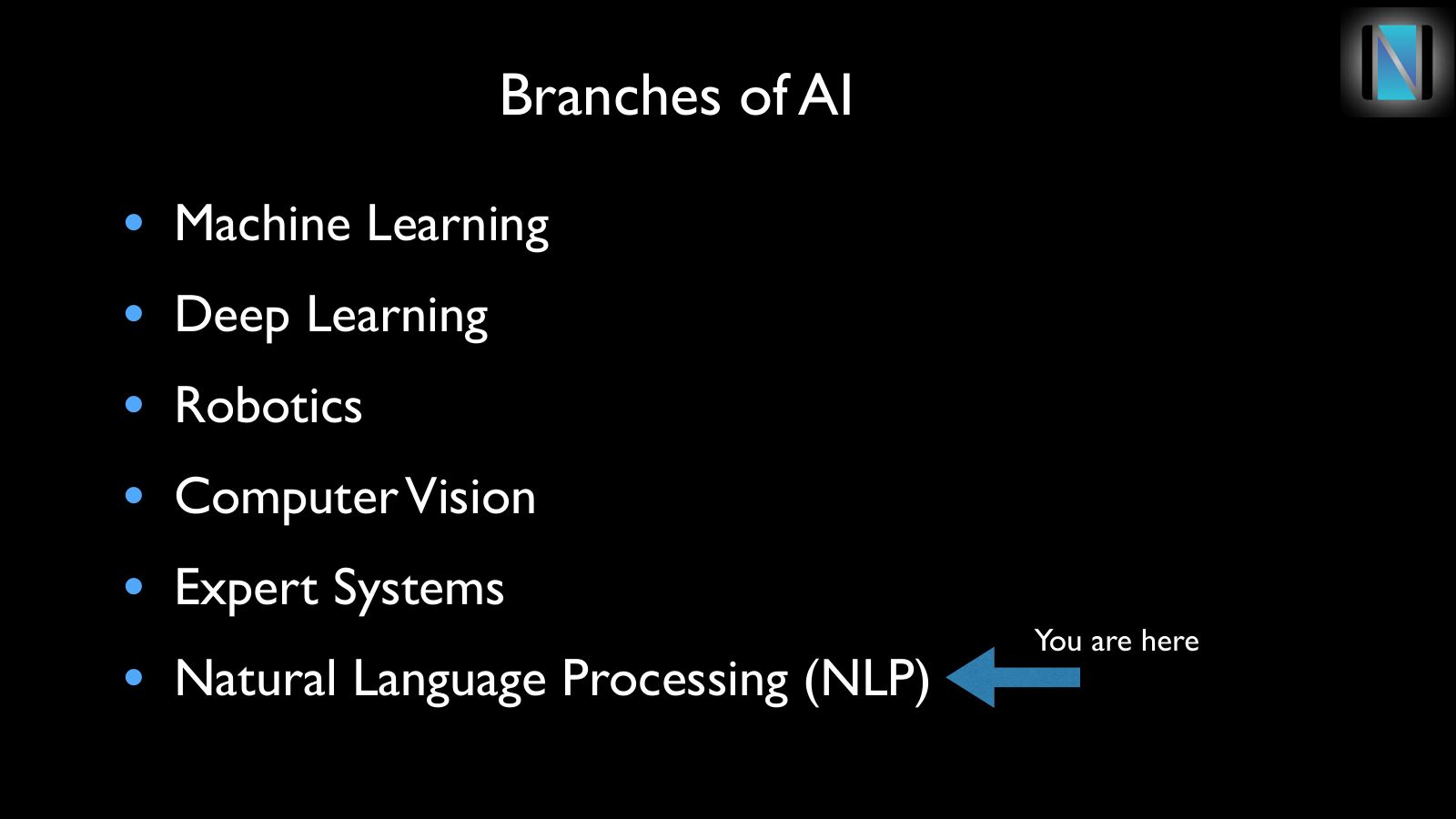
- Machine Learning
- Deep Learning
- Robotics
- Computer Vision
- Expert Systems
- Natural Language Processing (NLP)
You are here
Slide 7Machine Learning
Definition: Algorithms that learn from data to make decisions or predictions without explicit programming.
Slide 8Machine Learning
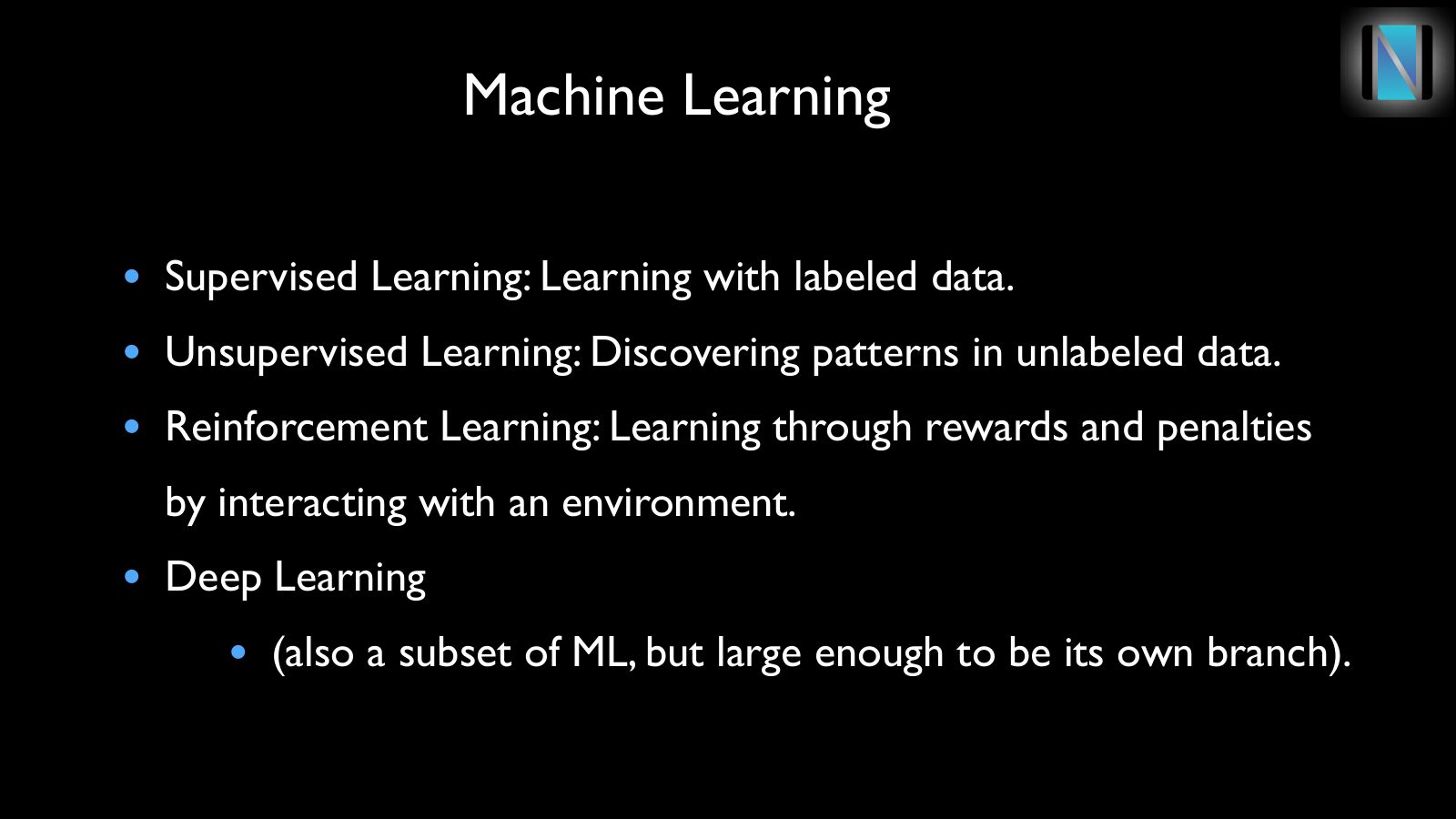
- Supervised Learning: Learning with labeled data.
- Unsupervised Learning: Discovering patterns in unlabeled data.
- Reinforcement Learning: Learning through rewards and penalties by interacting with an environment.
- Deep Learning
- (also a subset of ML, but large enough to be its own branch).
Slide 9Deep Learning
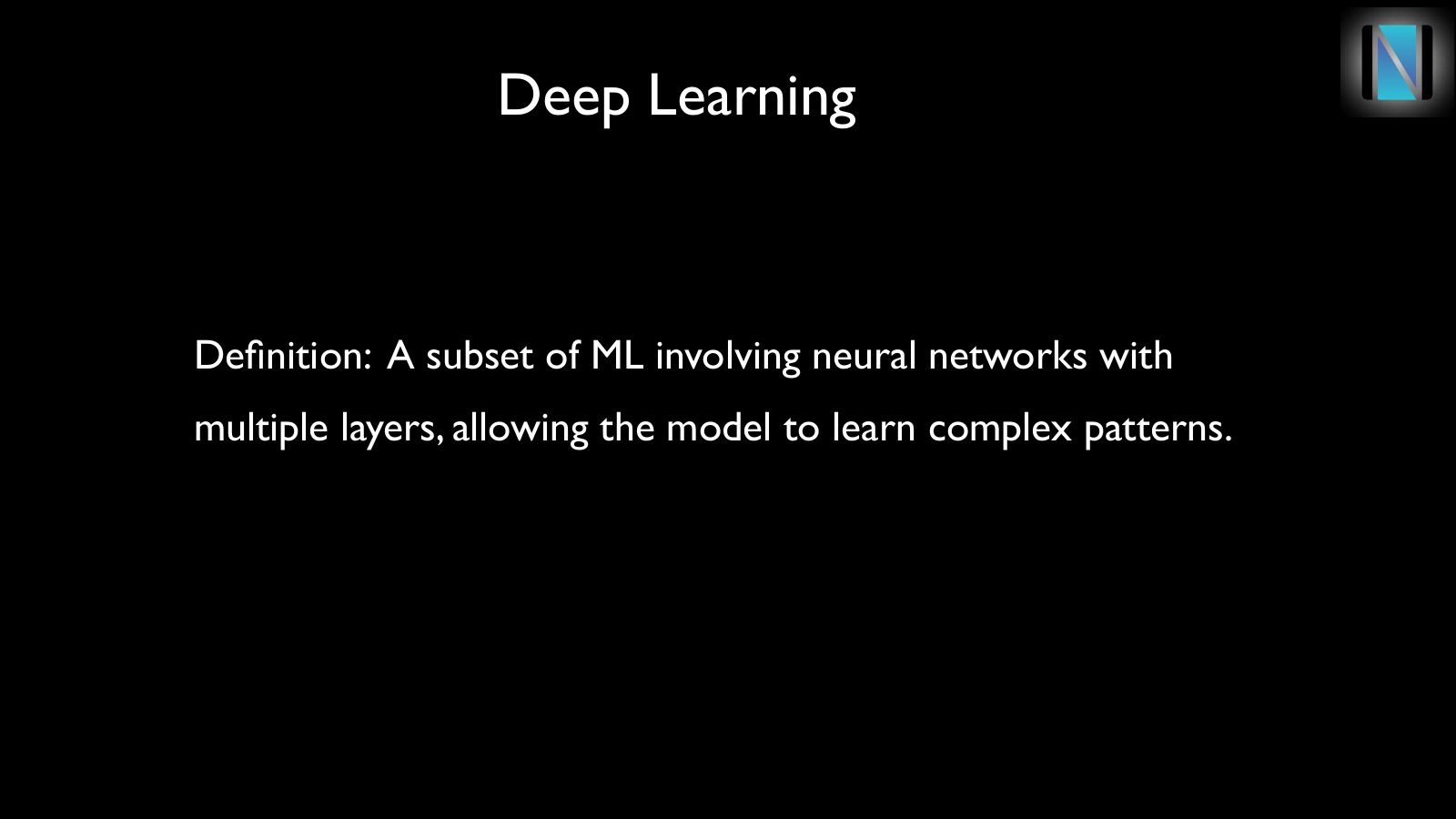
Definition: A subset of ML involving neural networks with multiple layers, allowing the model to learn complex patterns.
Slide 10Deep Learning
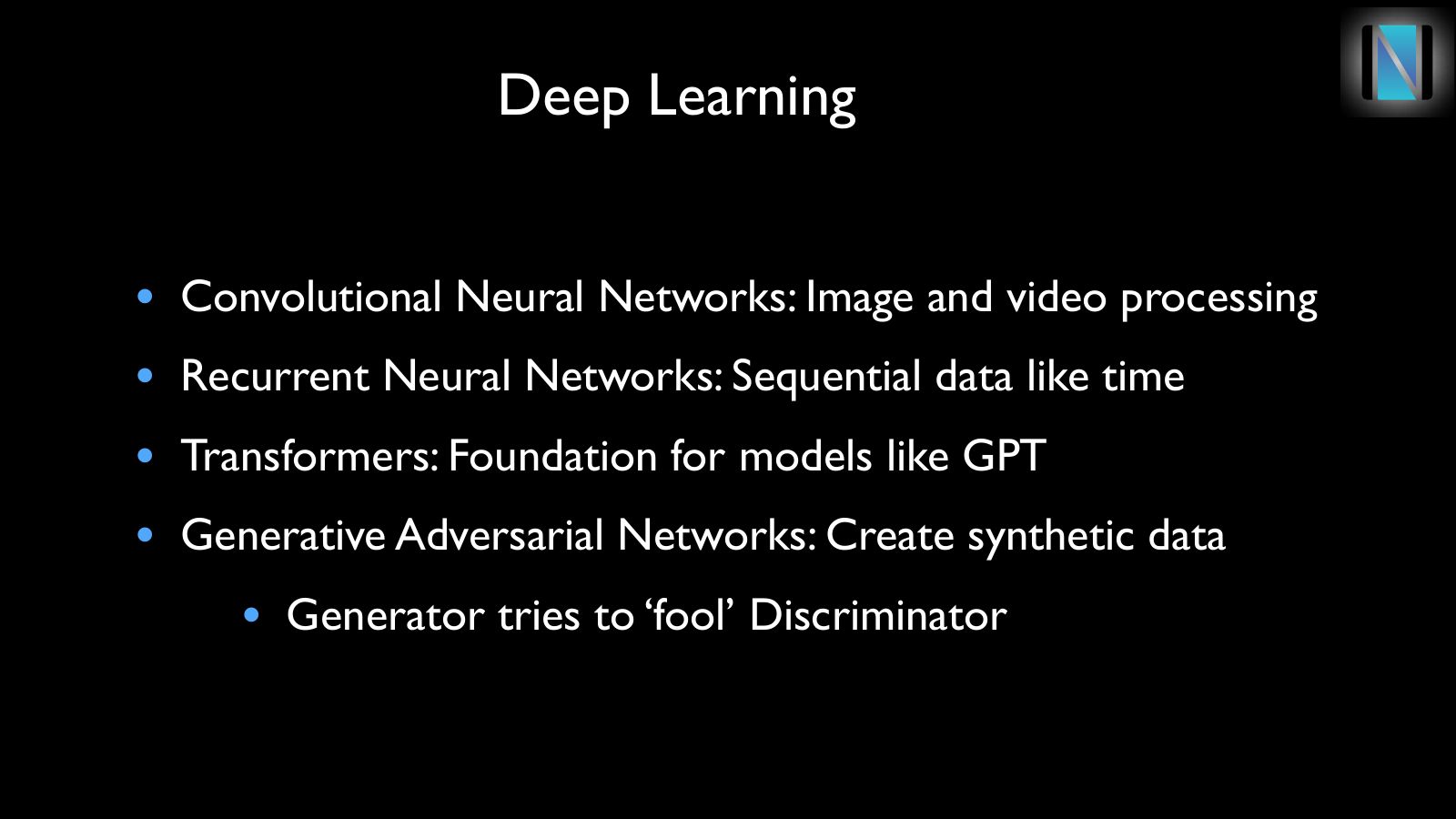
- Convolutional Neural Networks: Image and video processing
- Recurrent Neural Networks: Sequential data like time
- Transformers: Foundation for models like GPT
- Generative Adversarial Networks: Create synthetic data
- Generator tries to ‘fool’ Discriminator
Slide 11Computer Vision
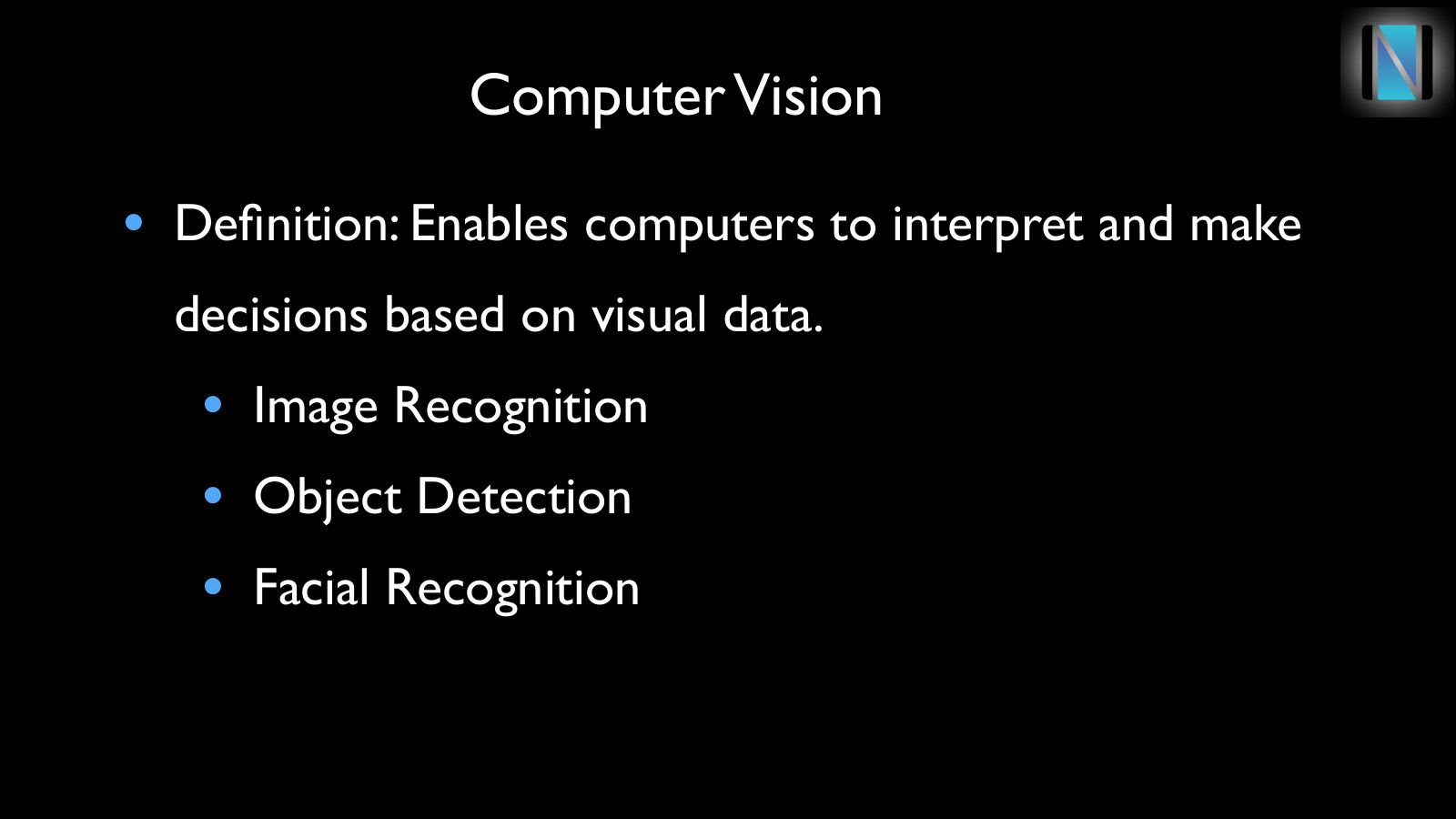
- Definition: Enables computers to interpret and make decisions based on visual data.
- Image Recognition
- Object Detection
- Facial Recognition
Slide 12Expert Systems
- Definition: AI systems designed to mimic decision-making ability in a specific domain
- Application Areas
- Medical Diagnosis
- Financial Analysis
- Customer Support systems
Slide 13NLP
Enables computers to understand, interpret, and generate human language
Slide 14NLP
- Semantic Search: Finding relevant information based on meaning, not just keywords.
- Text Generation: Creating human-like text, such as responses in chatbots or automated content.
- Sentiment Analysis: Detecting emotion or opinion in text, useful in customer feedback and social media analysis.
- Language Translation: Converting text from one language to another in real-time.
- Named Entity Recognition (NER): Identifying specific names, dates, or places in text, used in data extraction.

Slide 15Semantic Search
Slide 16Types of Search
- Lexical
- Search for exact matches in structured data
- Semantic
- Search based on meaning, context, and related words
Slide 17Semantic Search
- FileMaker Pro 21.0
- Semantic Search features
- FileMaker Pro 21.1
- Support for Image embedding
- (Won’t cover this today)
Slide 18Key Functions
- Configure AI Account
- Insert Embedding
- Choose embedding model
- Embed Single record or found set
- Perform Semantic Find
Slide 19Let’s Integrate

Slide 20Break
Slide 21Generative AI
Slide 22Key Steps
- System Prompt
- User Prompt
- Insert from URL [ ]
Slide 23Prompts
- Tells what happens in natural language
- ‘Summarize these records’
- ‘Create a report’
- ‘Write a custom email’