 navarre.ai
JSON: Beyond the Basics
Download the slides (PDF, 4.6 MB) →Read the slides as text →

Slide 1JSON: Beyond the Basics Fresh Takes, Dashboards JSON-LD, AI Integration
- Matt Navarre / Mateo Navarre
- Navarre Training
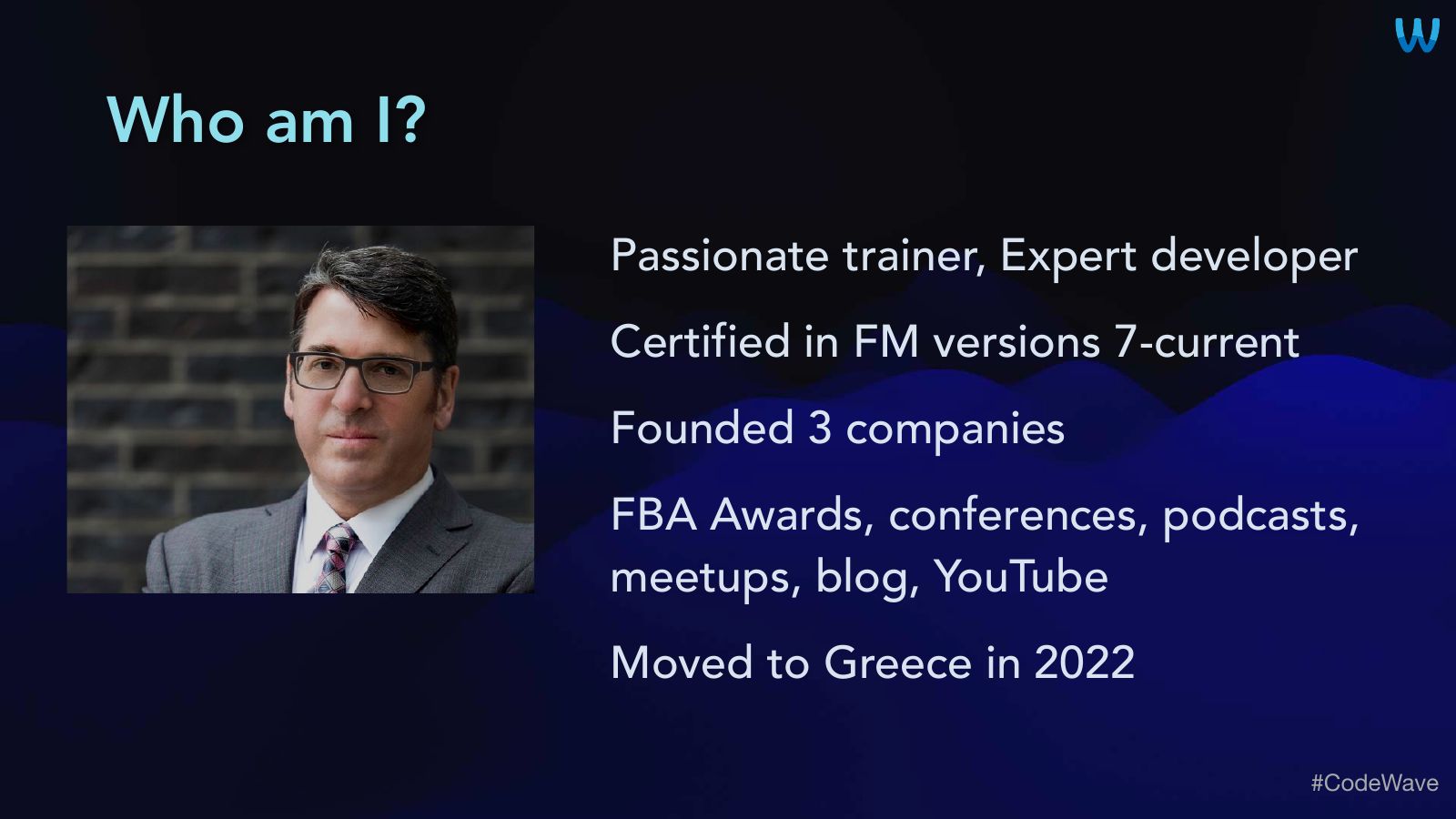
Slide 2Who am I?
- Passionate trainer, Expert developer
- Certified in FM versions 7-current
- Founded 3 companies
- FBA Awards, conferences, podcasts, meetups, blog, YouTube
- Moved to Greece in 2022
Slide 3Classes and More
- FileMaker Champion Series Class
- 1. Foundations / Best Practices
- 2. Intermediate / Developer
- 3. Expert / AI
- Claris Talk AI Podcast with Cris Ippolite
- Free classes in partnership with Claris
- More info at www.navarre.training

Slide 4Agenda
- Slides ~ 15 minutes
- Live demos ~ 25 minutes
- Q&A ~ 15 minutes
- How do YOU use JSON?

Slide 5JSON




Slide 9Douglas Crockford
Codified & Popularized JSON
Slide 10What is JSON?
- JavaScript Object Notation
- Structured text formatting
- “Light weight data interchange format”
- Human Readable
- Like XML, but it doesn’t suck™
Slide 11What is JSON?
- Hierarchical (nested structure)
- VERY FLEXIBLE
- FileMaker-y
- Since Version 16
- May 9th, 2017
- 2.902 days ago

Slide 12Why use JSON?
- Simpler
- Once you are comfortable using it
- Just like Case ( )
- And Let ( )
- Better
- Flexible
- Bulletproof
Slide 13It Matters
“Reusability, clarity, portability, and modern FM features are all tied to structured data”
Slide 14Where to use JSON?
- Scripts
- Passing params in, processing params, sending JSON out
- ButtonBars & Layout Calculations
- Calculated Fields
- Nearly everywhere you use the Calc dialog
Slide 15When to use JSON?
- Here
- Today
- Now
- Always

Slide 16The basics… …a very quick review
Slide 17Punctuation
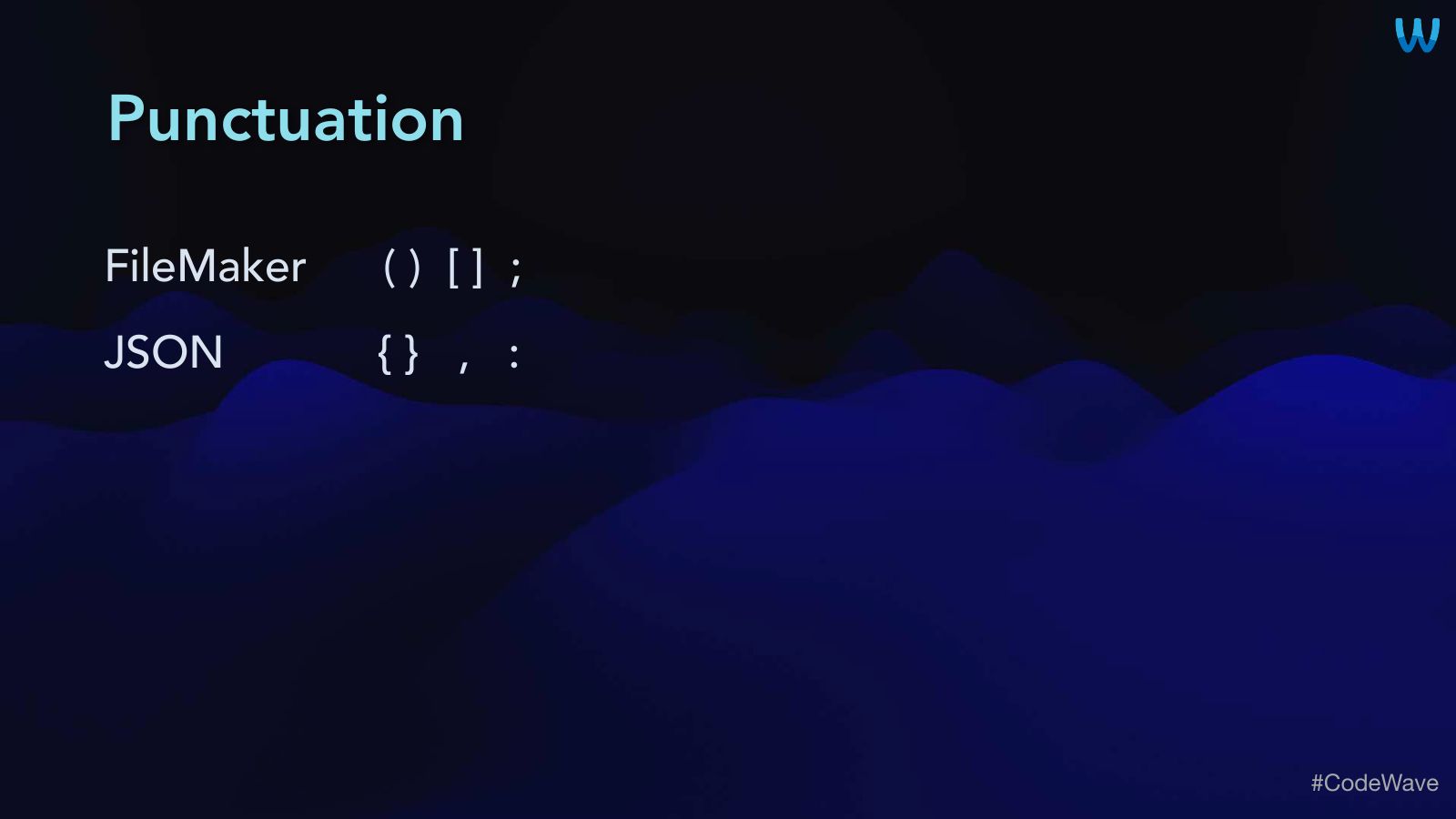
- FileMaker ( ) [ ] ;
- JSON { } , :
Slide 18Functions
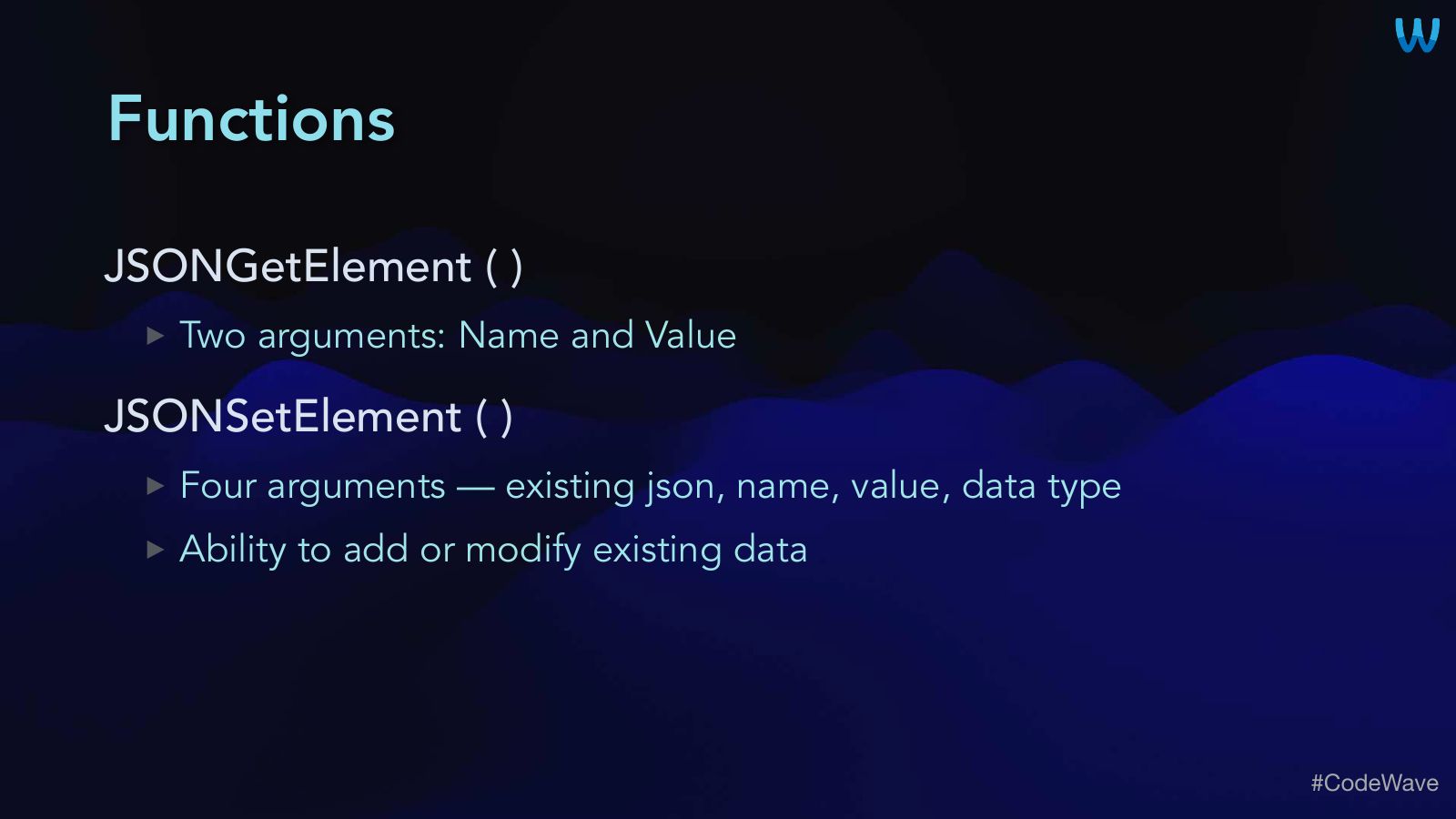
- JSONGetElement ( )
- Two arguments: Name and Value
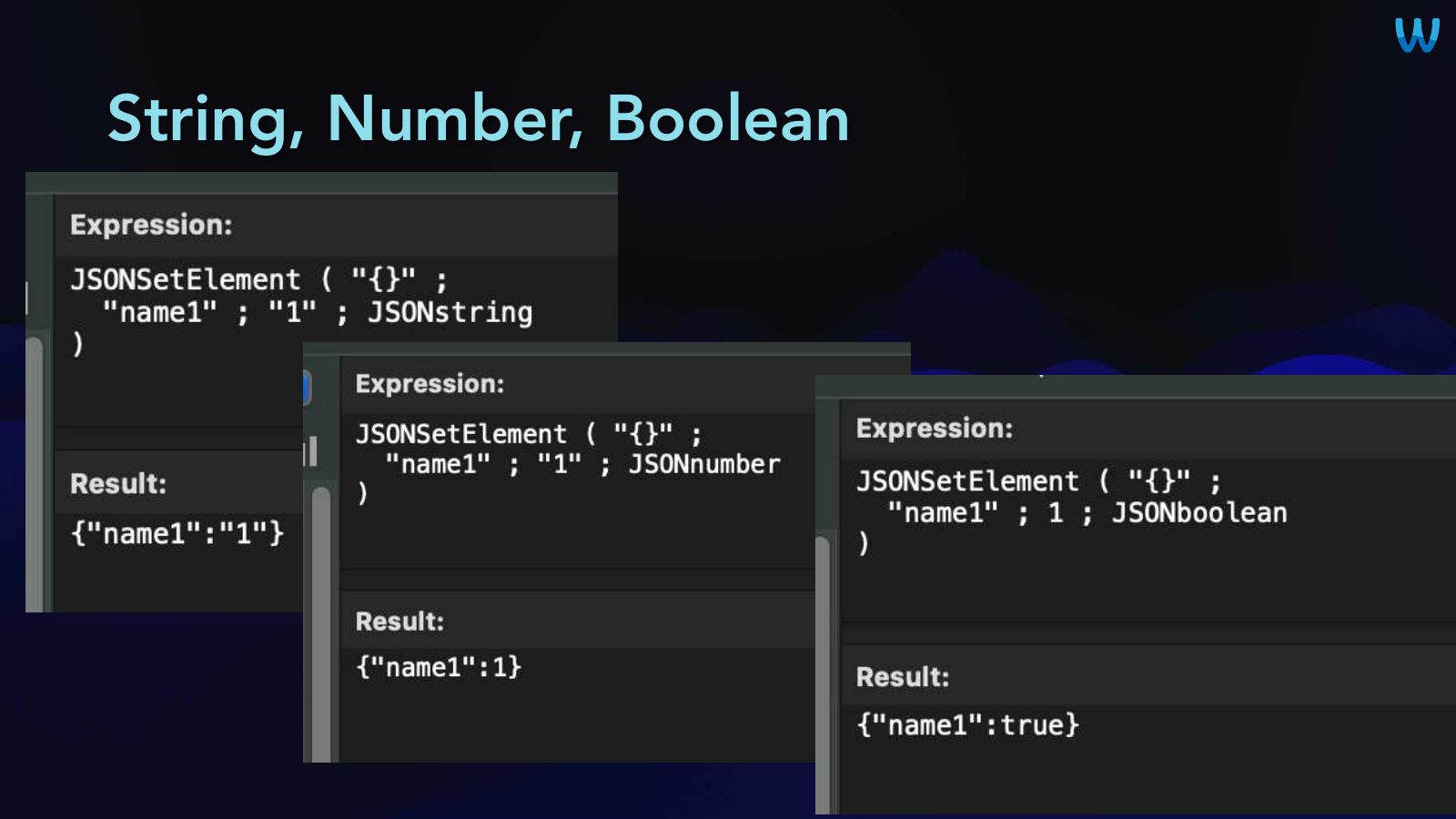
- JSONSetElement ( )
- Four arguments – existing json, name, value, data type
- Ability to add or modify existing data
Slide 19Functions
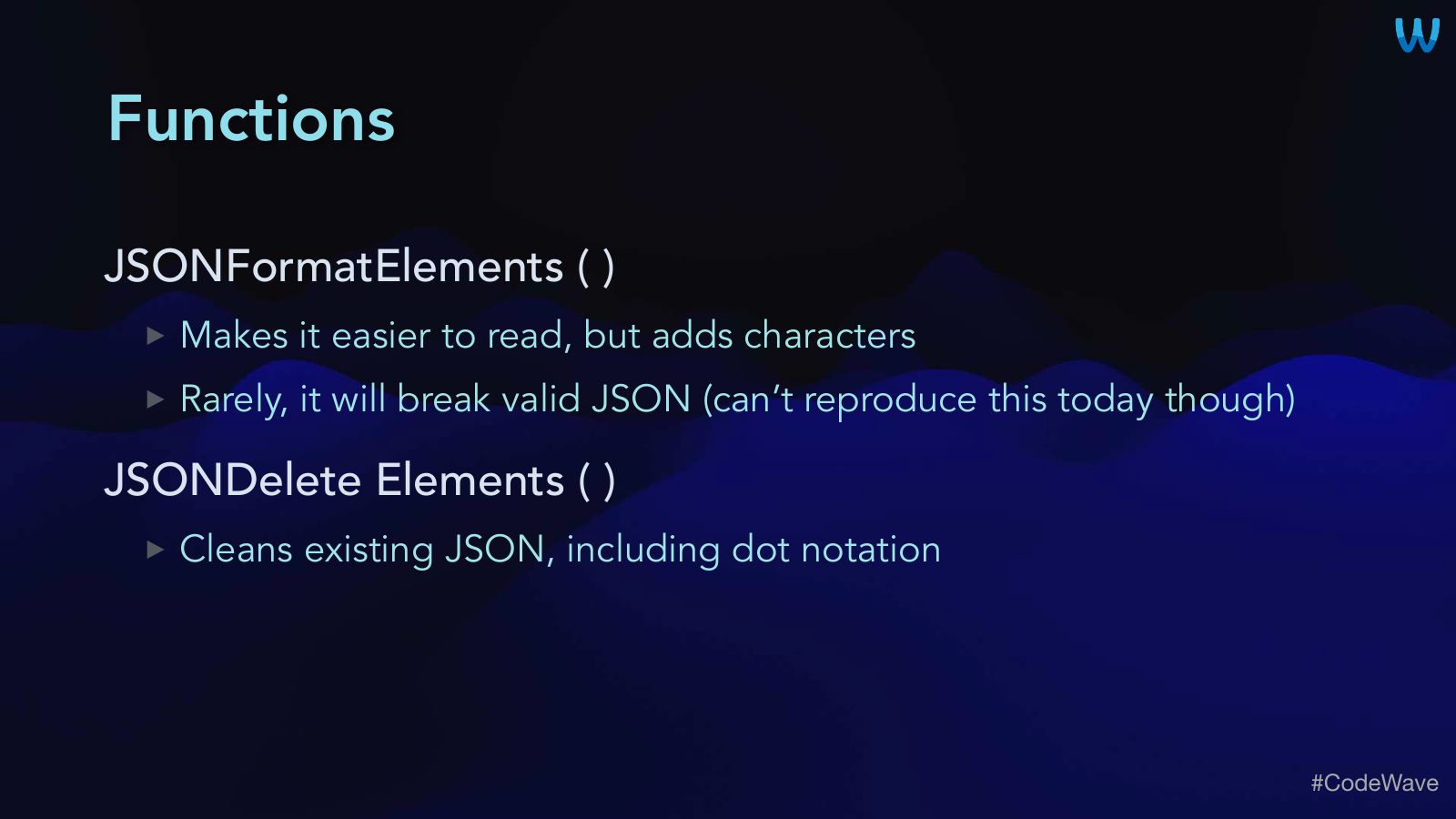
- JSONFormatElements ( )
- Makes it easier to read, but adds characters
- Rarely, it will break valid JSON (can’t reproduce this today though)
- JSONDelete Elements ( )
- Cleans existing JSON, including dot notation
Slide 20Functions
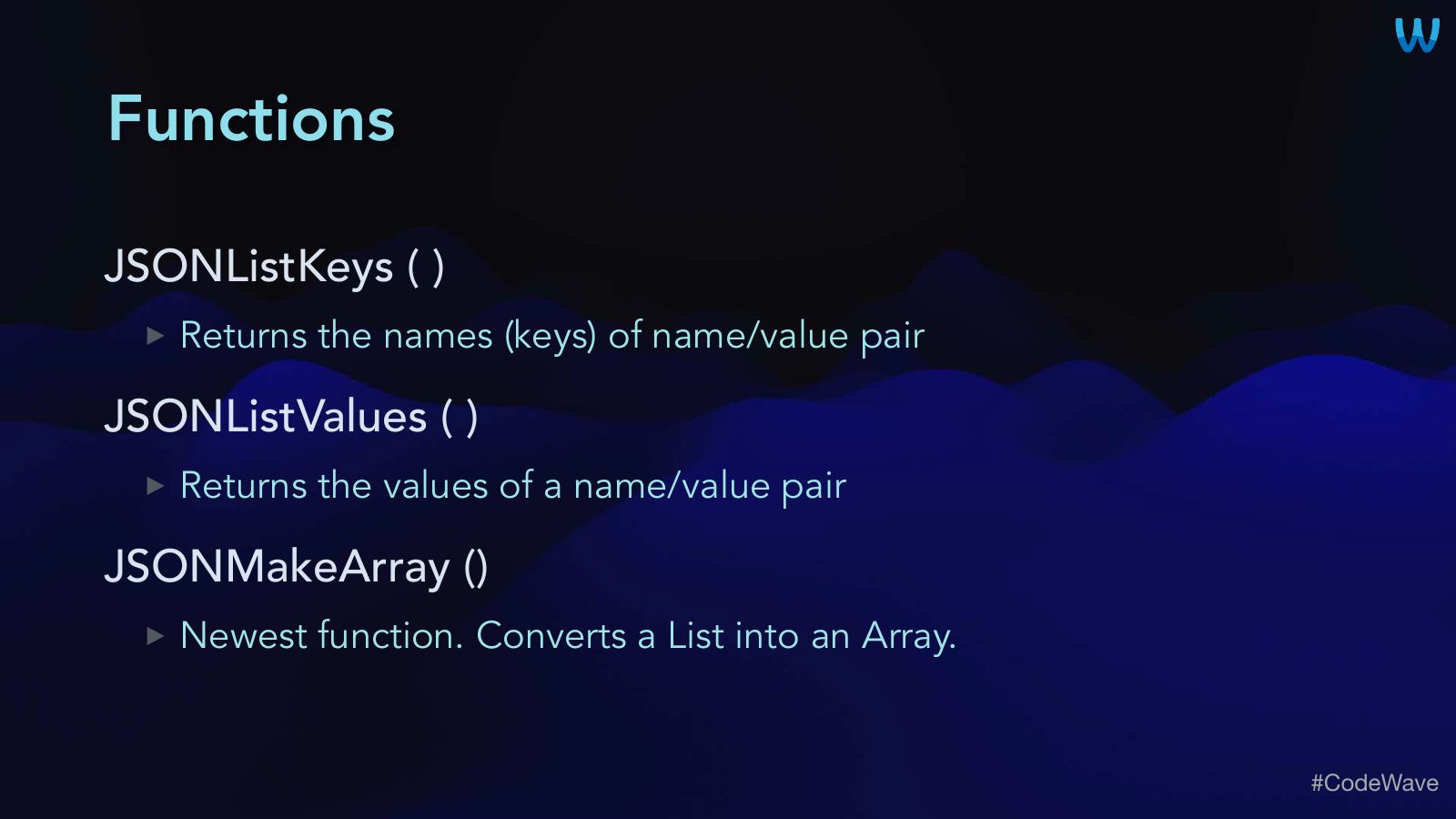
- JSONListKeys ( )
- Returns the names (keys) of name/value pair
- JSONListValues ( )
- Returns the values of a name/value pair
- JSONMakeArray ()
- Newest function. Converts a List into an Array.
Slide 21String, Number, Boolean
Slide 22To start: Passing Parameters
- I always use it - even for a single param
- Because some day, there will likely be a 2nd param
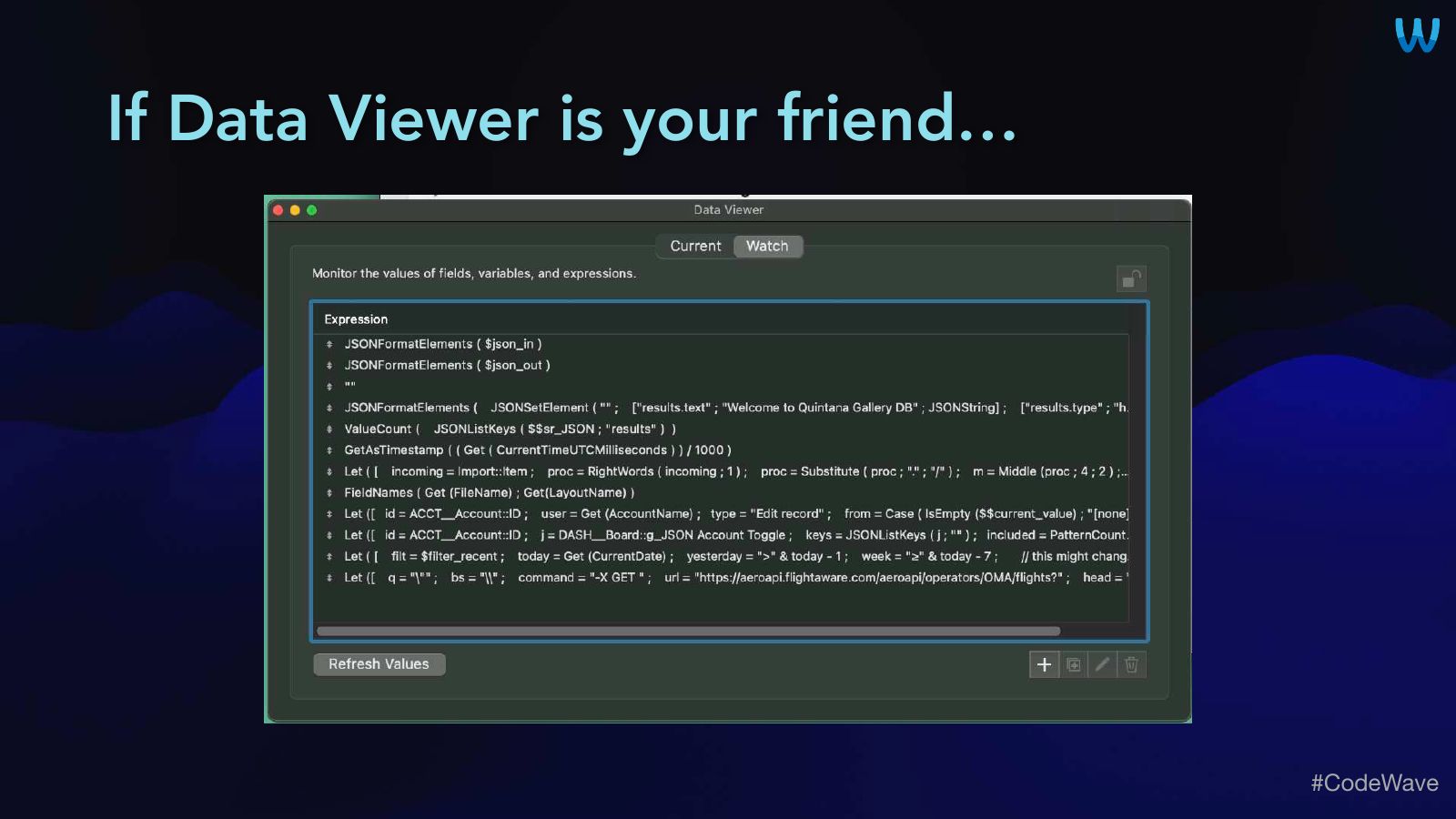
Slide 23If Data Viewer is your friend…
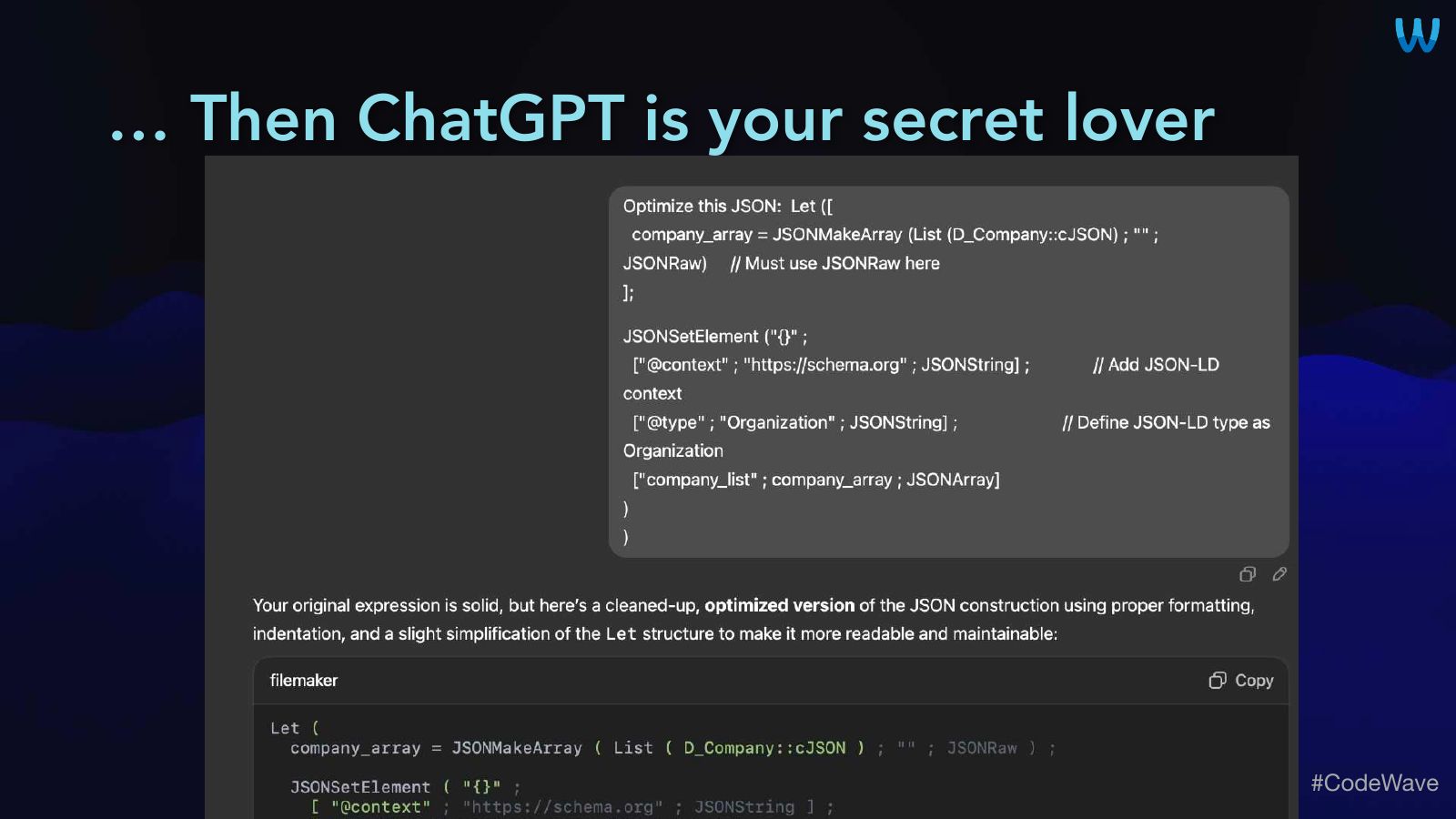
Slide 24… Then ChatGPT is your secret lover
Slide 25Four Use Cases
Let’s slow down…
Slide 26A JSON Field in ~Every Table Preferences & Session Data Dashboard Data JSON-LD & AI

Slide 271. A JSON Field in Most Tables
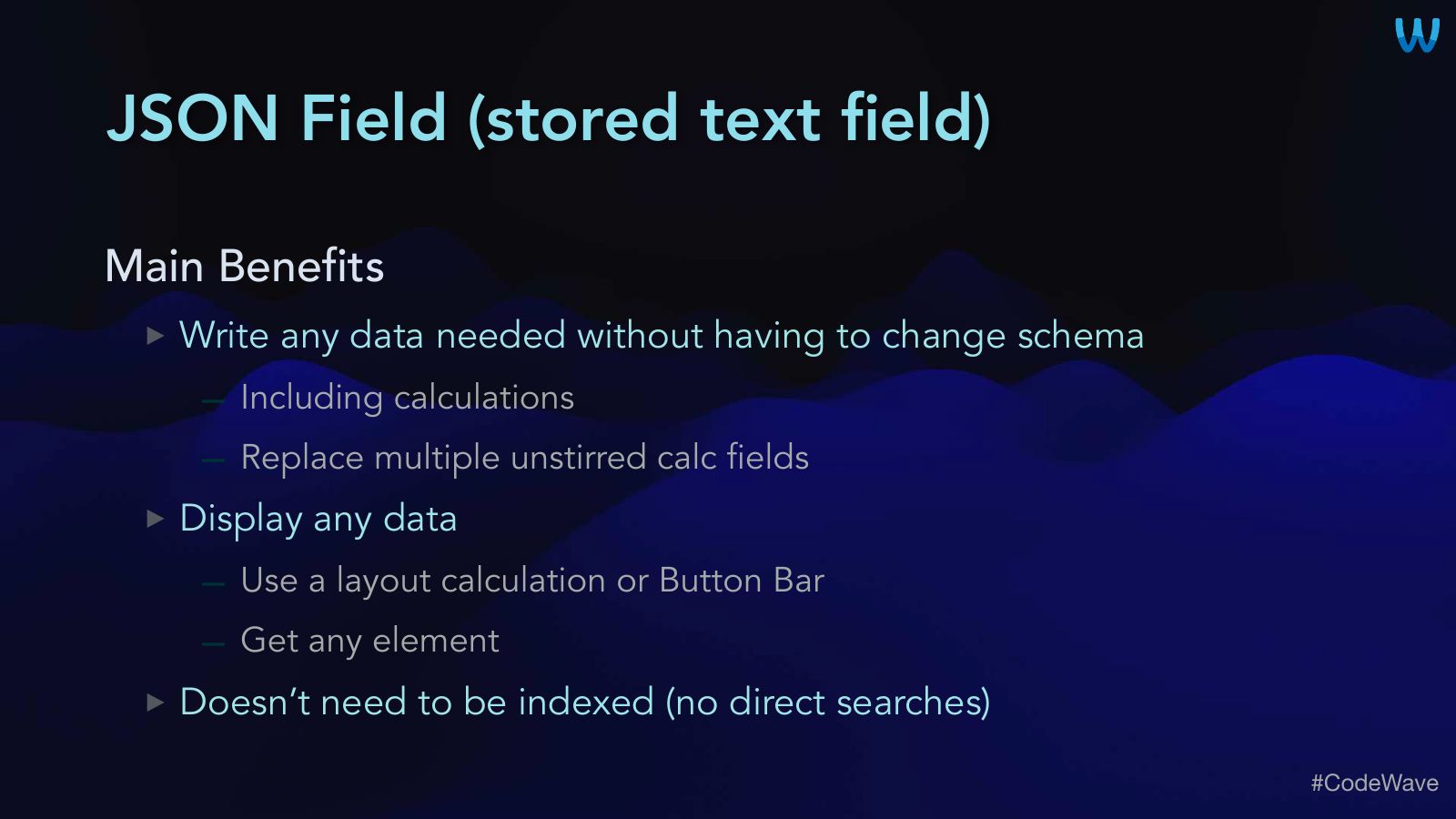
Slide 28JSON Field (stored text field)
- Main Benefits
- Write any data needed without having to change schema
- Including calculations
- Replace multiple unstirred calc fields
- Display any data
- Use a layout calculation or Button Bar
- Get any element
- Doesn’t need to be indexed (no direct searches)
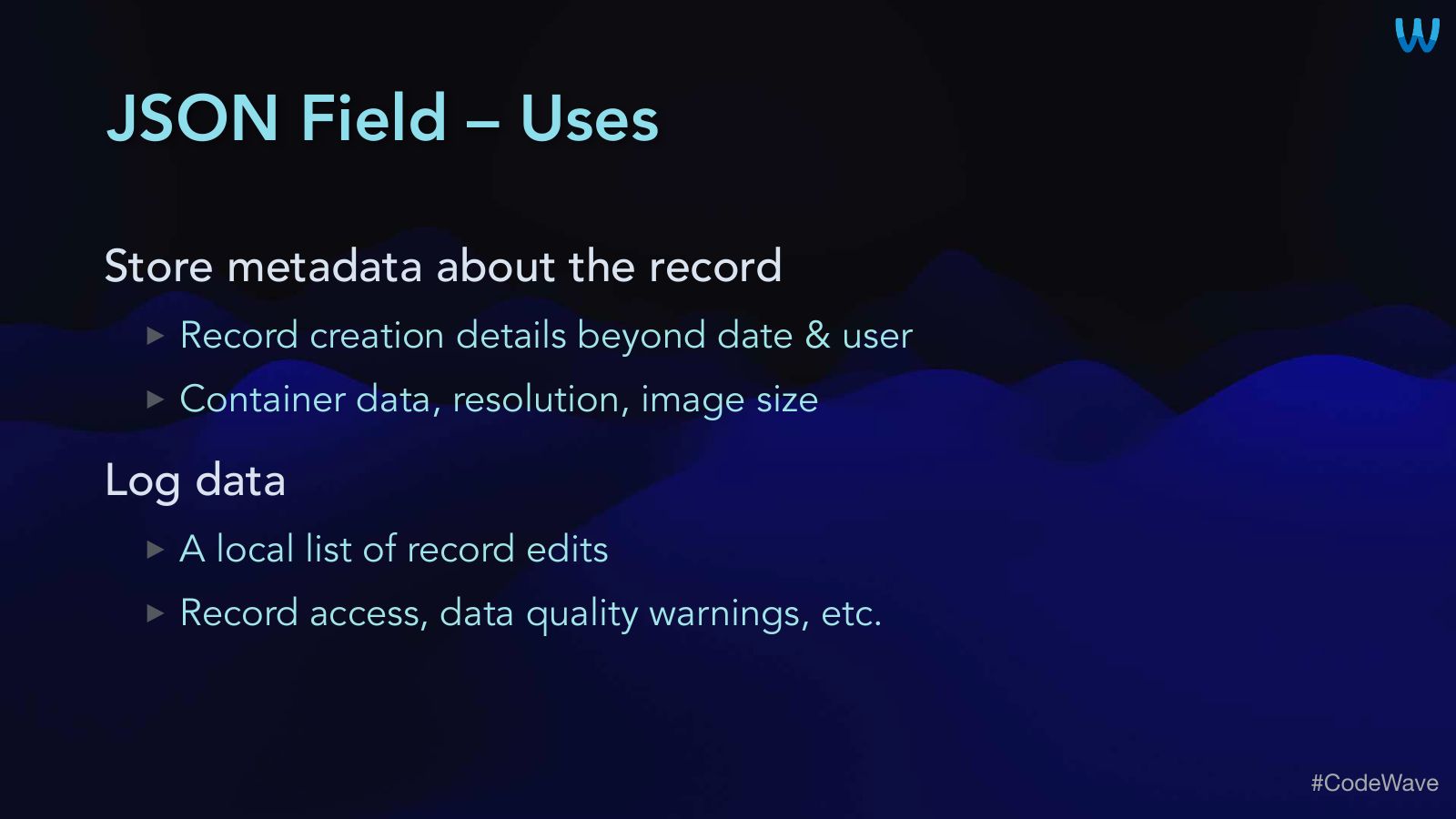
Slide 29JSON Field – Uses
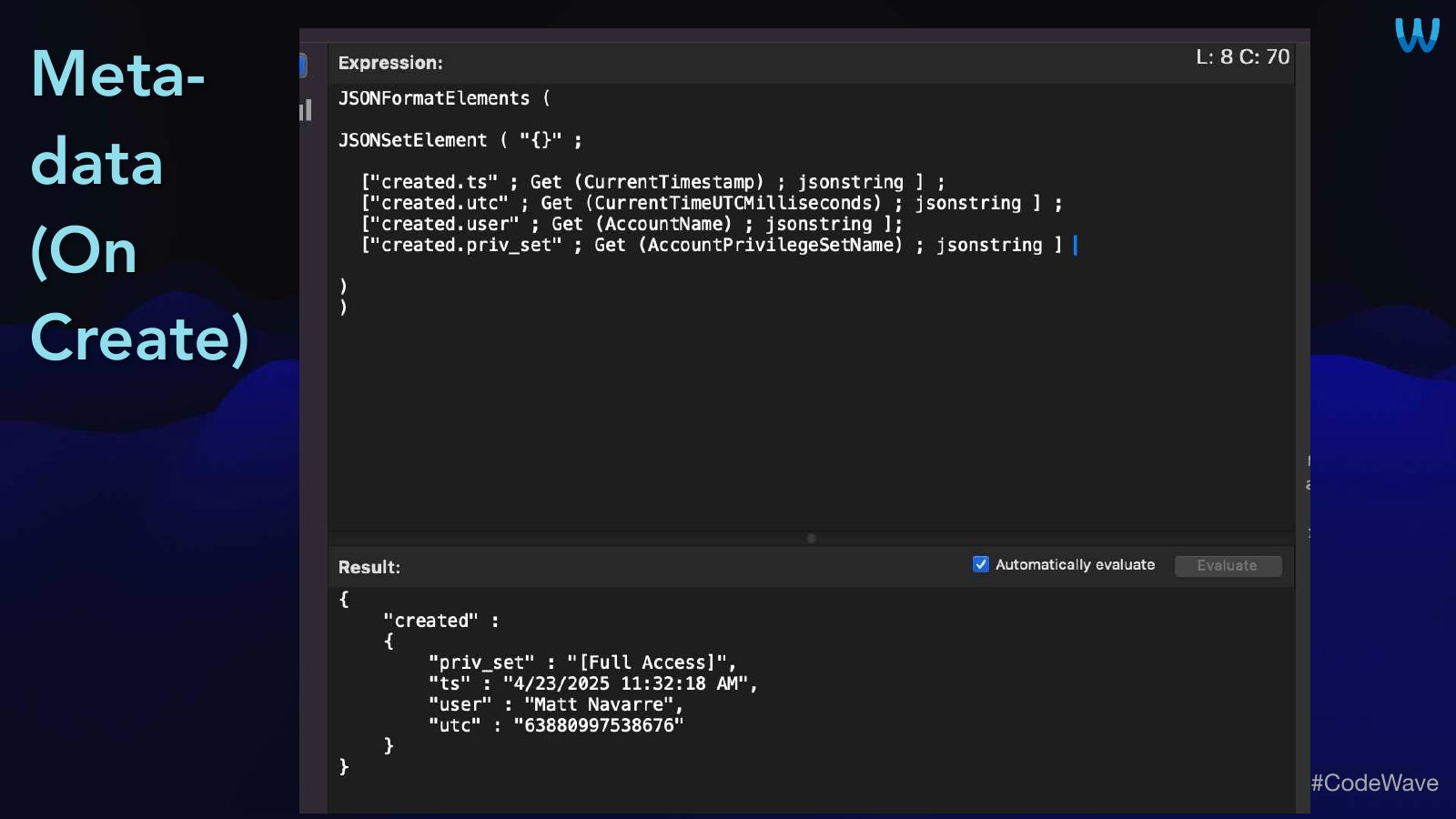
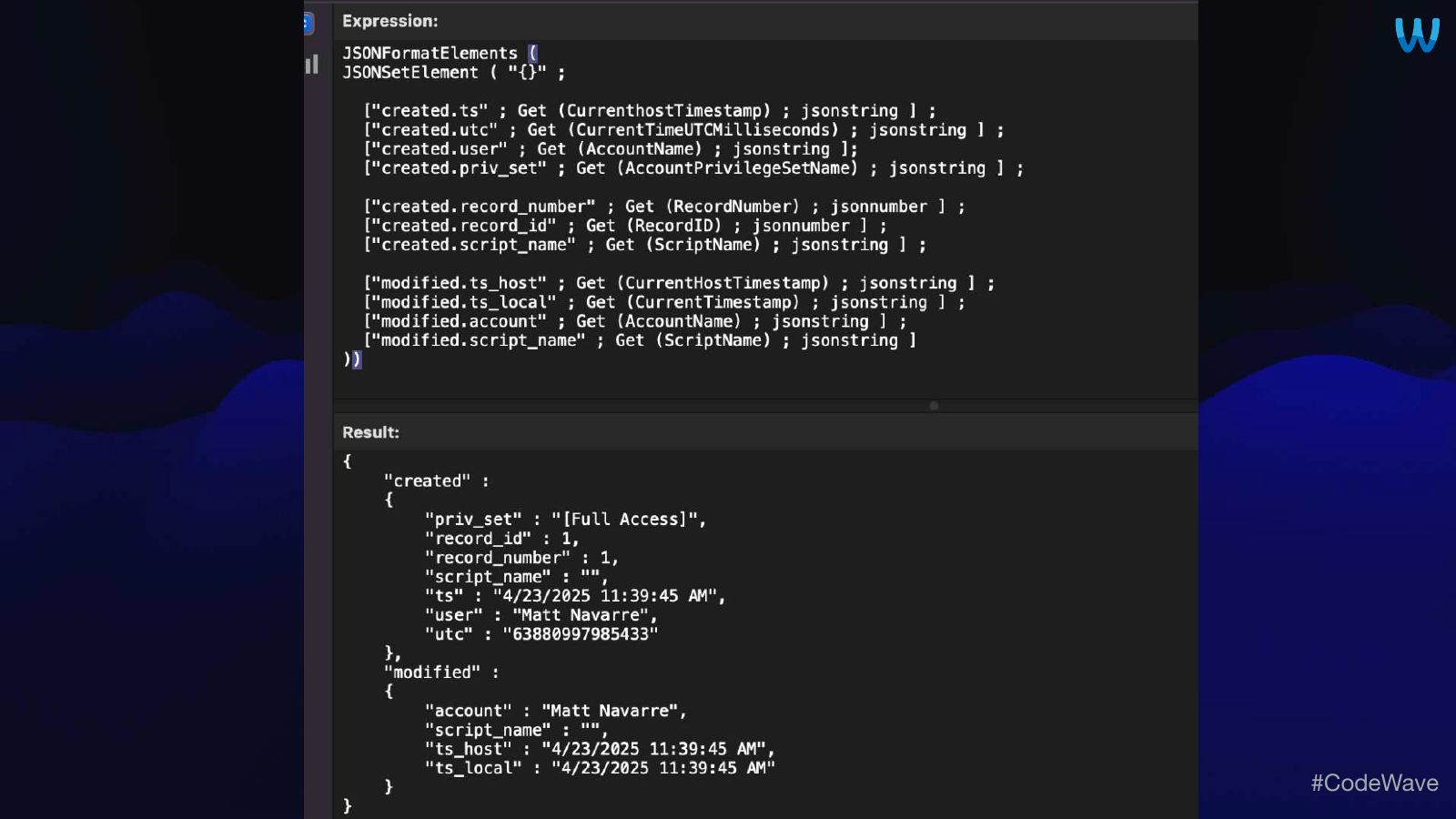
- Store metadata about the record
- Record creation details beyond date & user
- Container data, resolution, image size
- Log data
- A local list of record edits
- Record access, data quality warnings, etc.
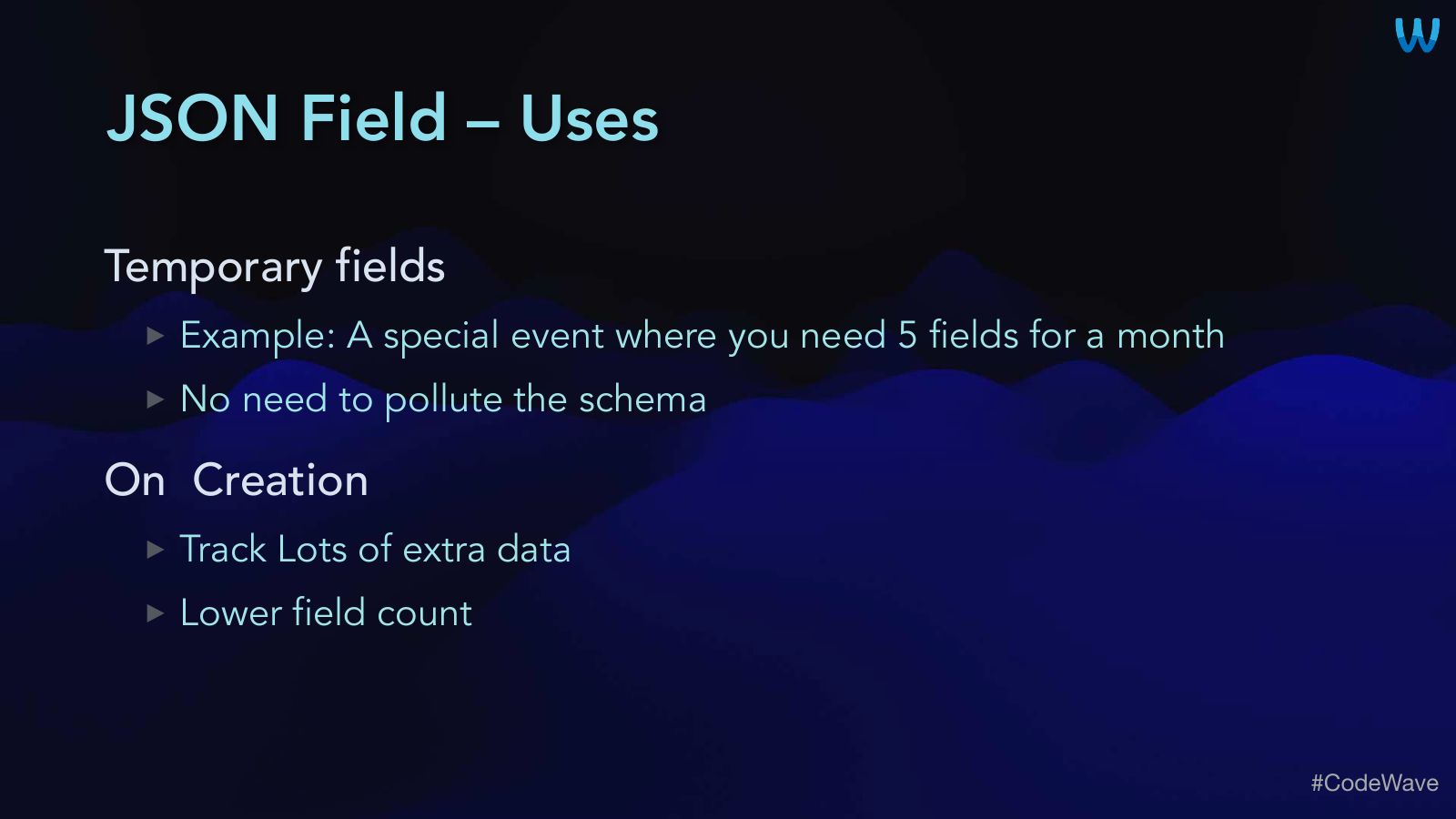
Slide 30JSON Field – Uses
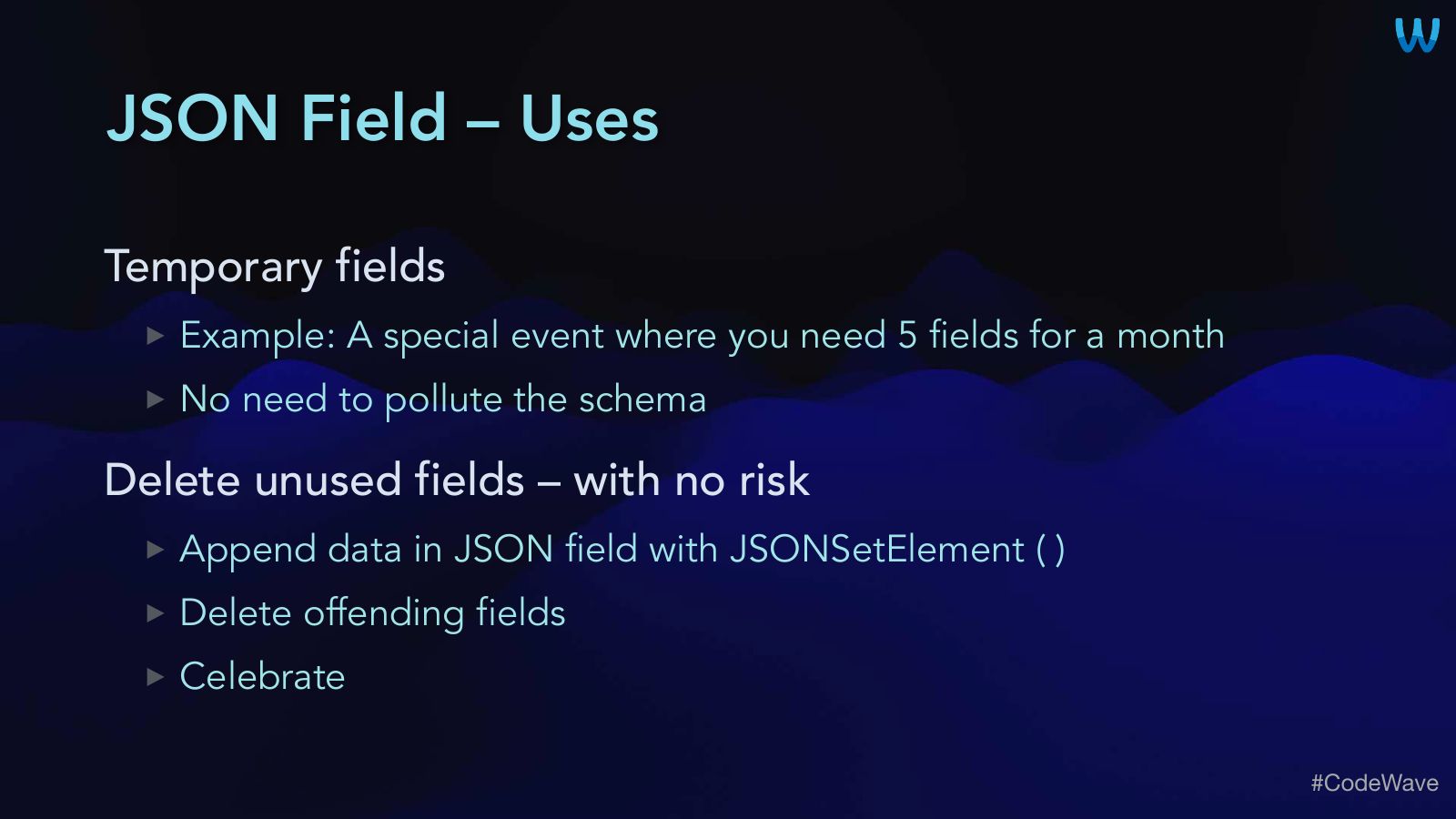
- Temporary fields
- Example: A special event where you need 5 fields for a month
- No need to pollute the schema
- On Creation
- Track Lots of extra data
- Lower field count
Slide 31JSON Field – Uses
- Temporary fields
- Example: A special event where you need 5 fields for a month
- No need to pollute the schema
- Delete unused fields – with no risk
- Append data in JSON field with JSONSetElement ( )
- Delete offending fields
- Celebrate
Slide 32JSON Field – Notes
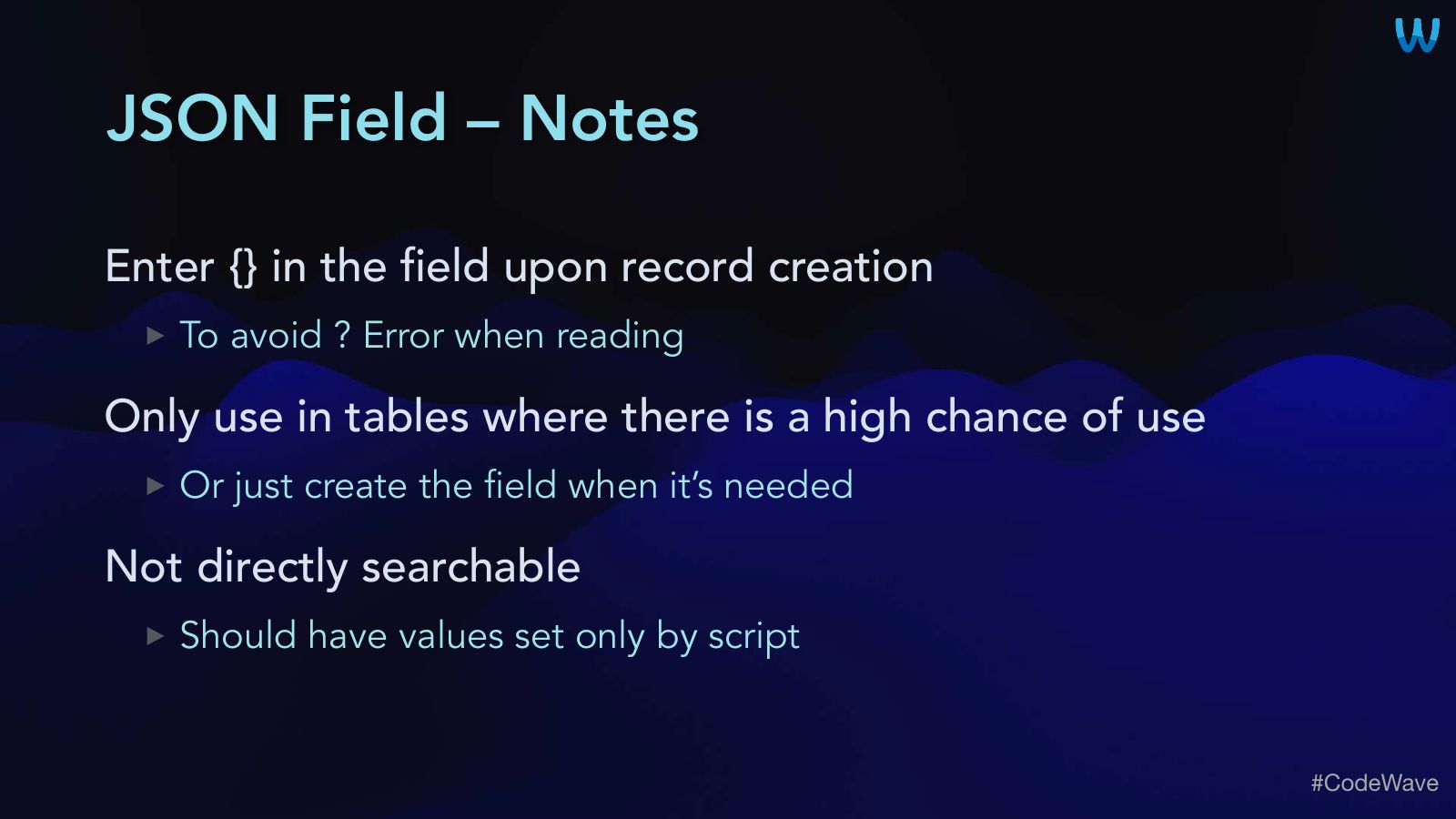
- Enter {} in the field upon record creation
- To avoid ? Error when reading
- Only use in tables where there is a high chance of use
- Or just create the field when it’s needed
- Not directly searchable
- Should have values set only by script
Slide 33Meta- data (On Create)
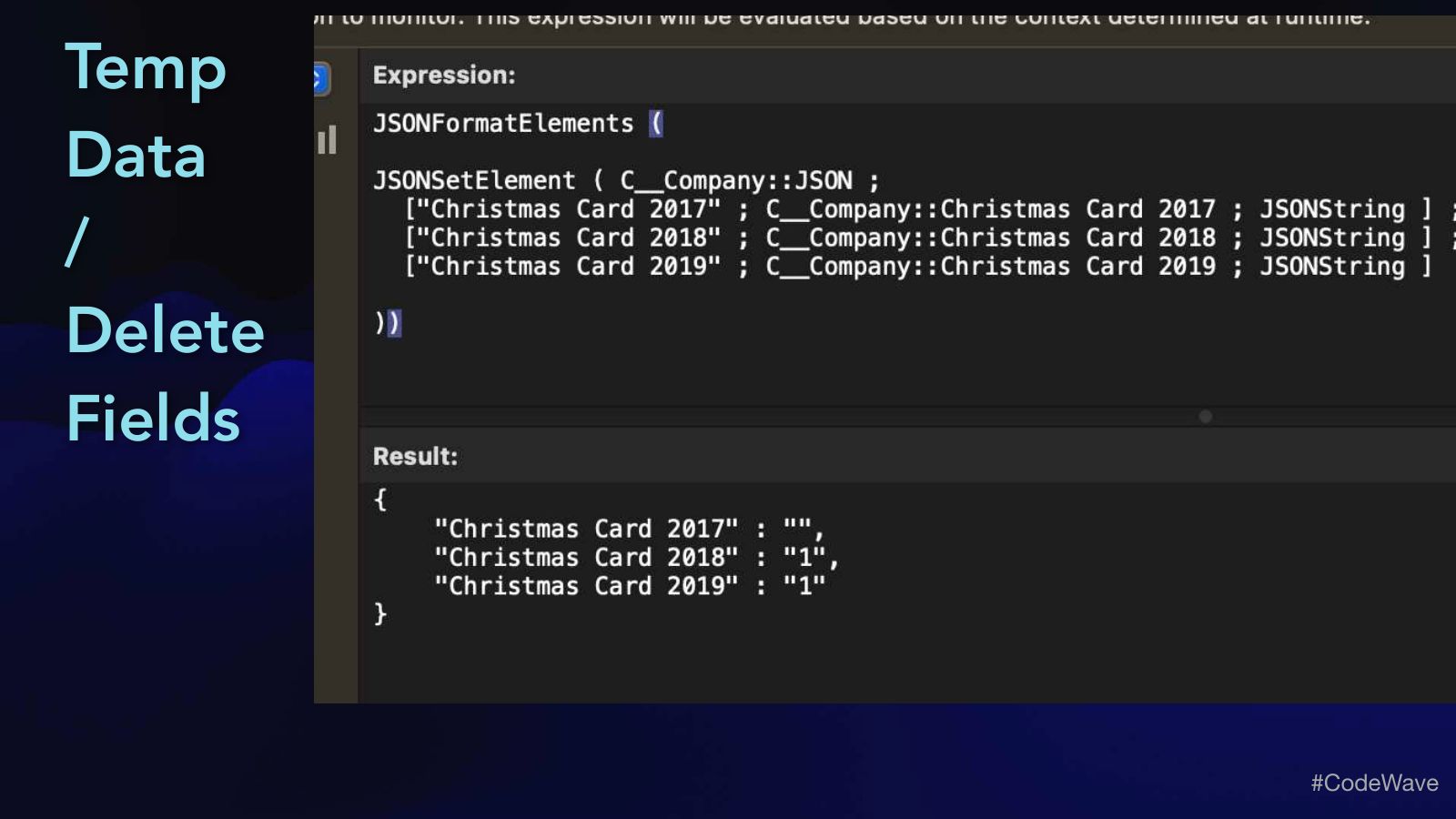
Slide 35Temp Data / Delete Fields
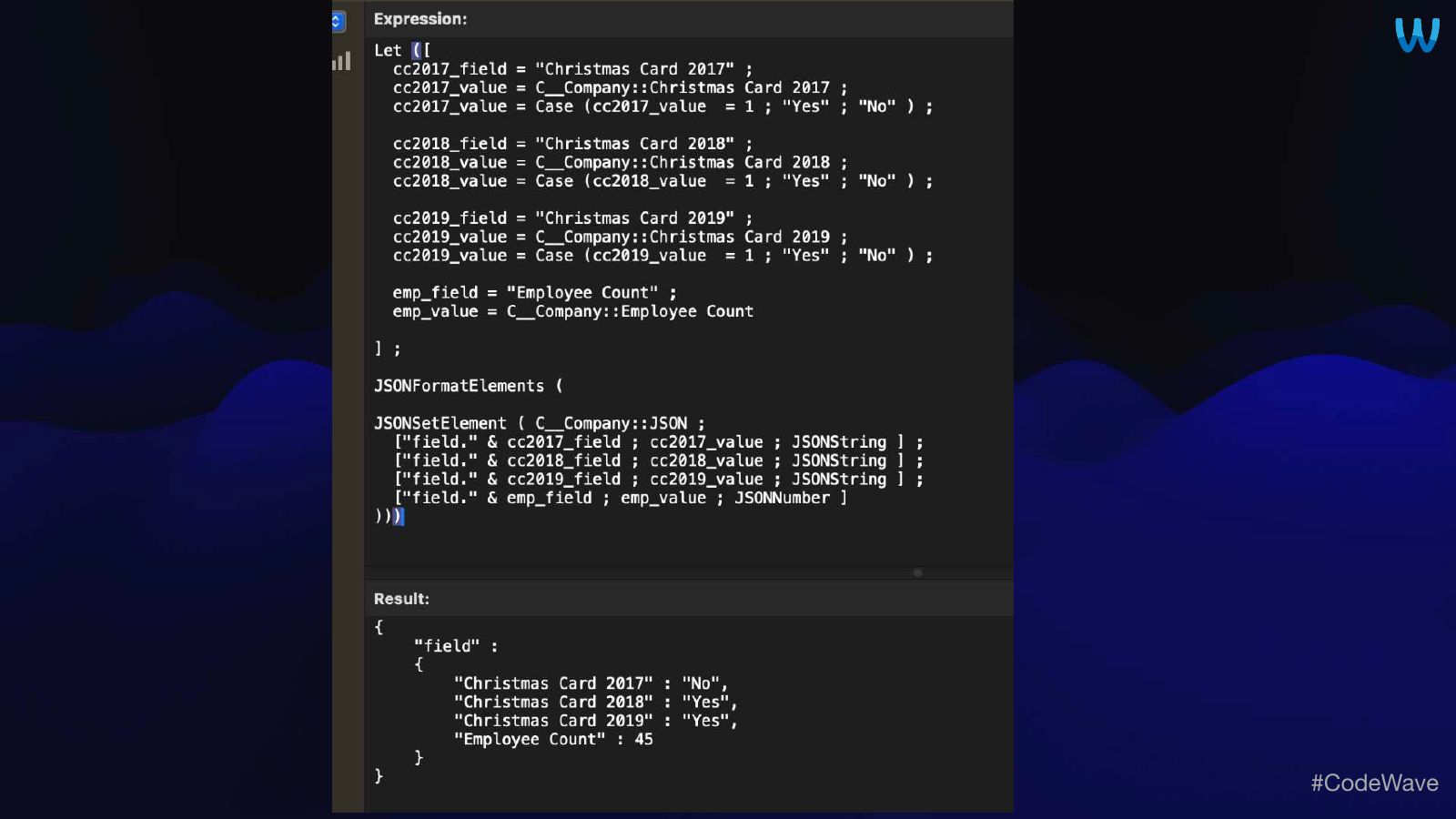

Slide 37JSON Field Demo
Slide 382. Preferences (global) Session Data
Slide 39Preferences & Session Data
- Main Benefits
- A single global text field in Dashboard or Globals table
- Extremely easy to access the JSON
- Replaces numerous $$variables
- Replaces numerous Global Fields in Prefs or Dashboard table
- Holds structured values, like IDs and field data for a record
- JSONDeleteElement ( ) useful to clean up a branch
Slide 403. Dashboard Data
Slide 41Dashboard Data
- Main Benefits
- Uses same Single JSON Field (as defined above)
- Write values with a script to control when data loads
- Which is much faster
- Holds structured values
- invoice.rec_count ; invoice.sold ; invoice.due
- Holds list of values in JSON Array
Slide 42Dashboard Data Demo
Slide 434. JSON-LD For Semantic Search And Generative AI
Slide 44JSON-LD & AI
- Main Benefits
- Structured data using schema.org
- Greatly improves results for both semantic and generative AI
- Enforces good readability and clear JSON
Slide 45Sample
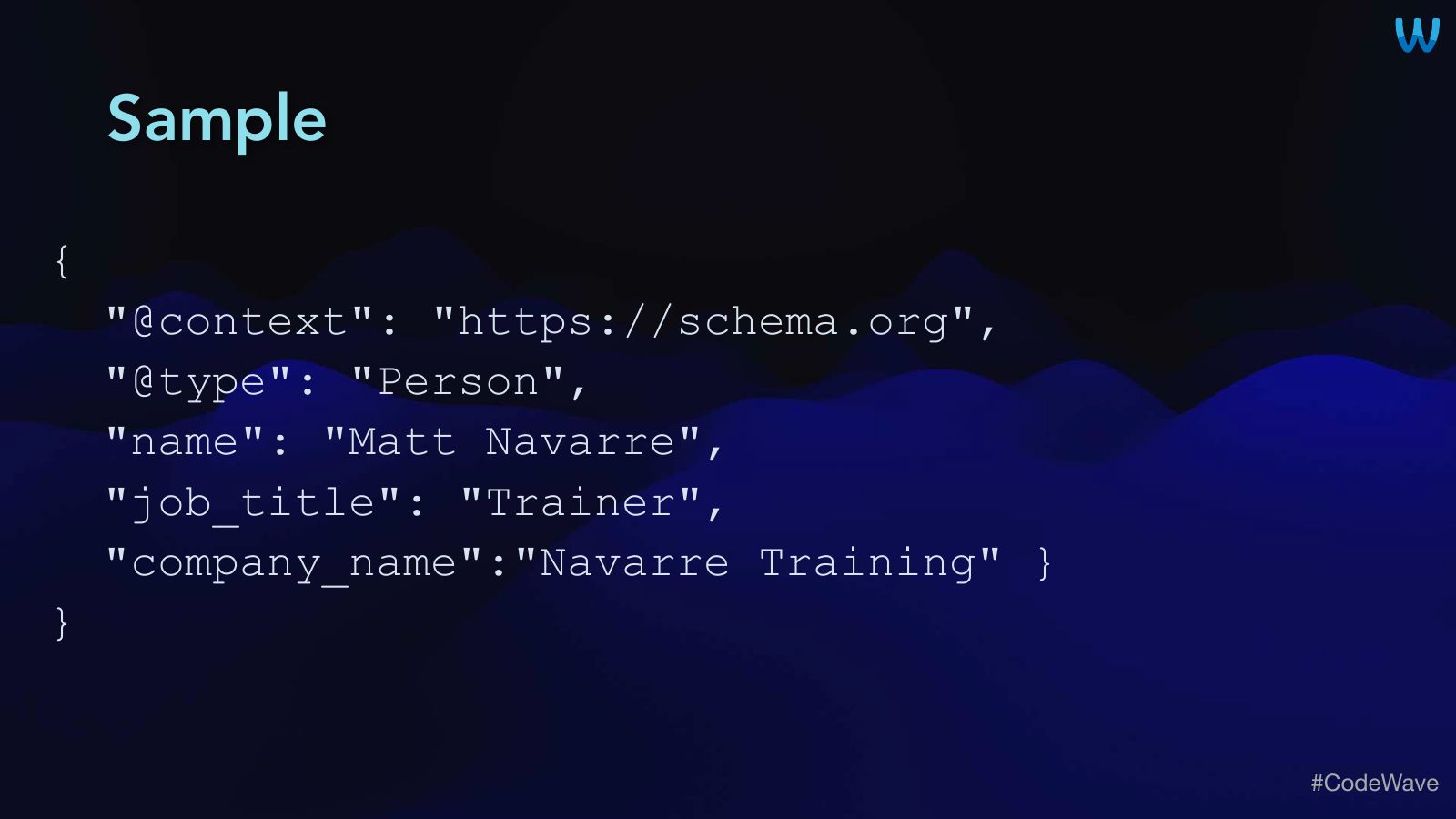
{
"@context": "https://schema.org",
"@type": "Person",
"name": "Matt Navarre",
"job_title": "Trainer",
"company_name":"Navarre Training" }
}
Slide 46JSON-LD Demo
Slide 47Thank You!
- Contact information:
- www.navarre.training
- matt@navarre.training
- Claris Talk AI on YouTube and podcast platforms