navarre.ai
Now what?
Download the slides (PDF, 0.9 MB) →Read the slides as text →
Slide 1Free Training Series
- So…
- You’ve inherited an old database
- Now what?
Slide 2About Matt
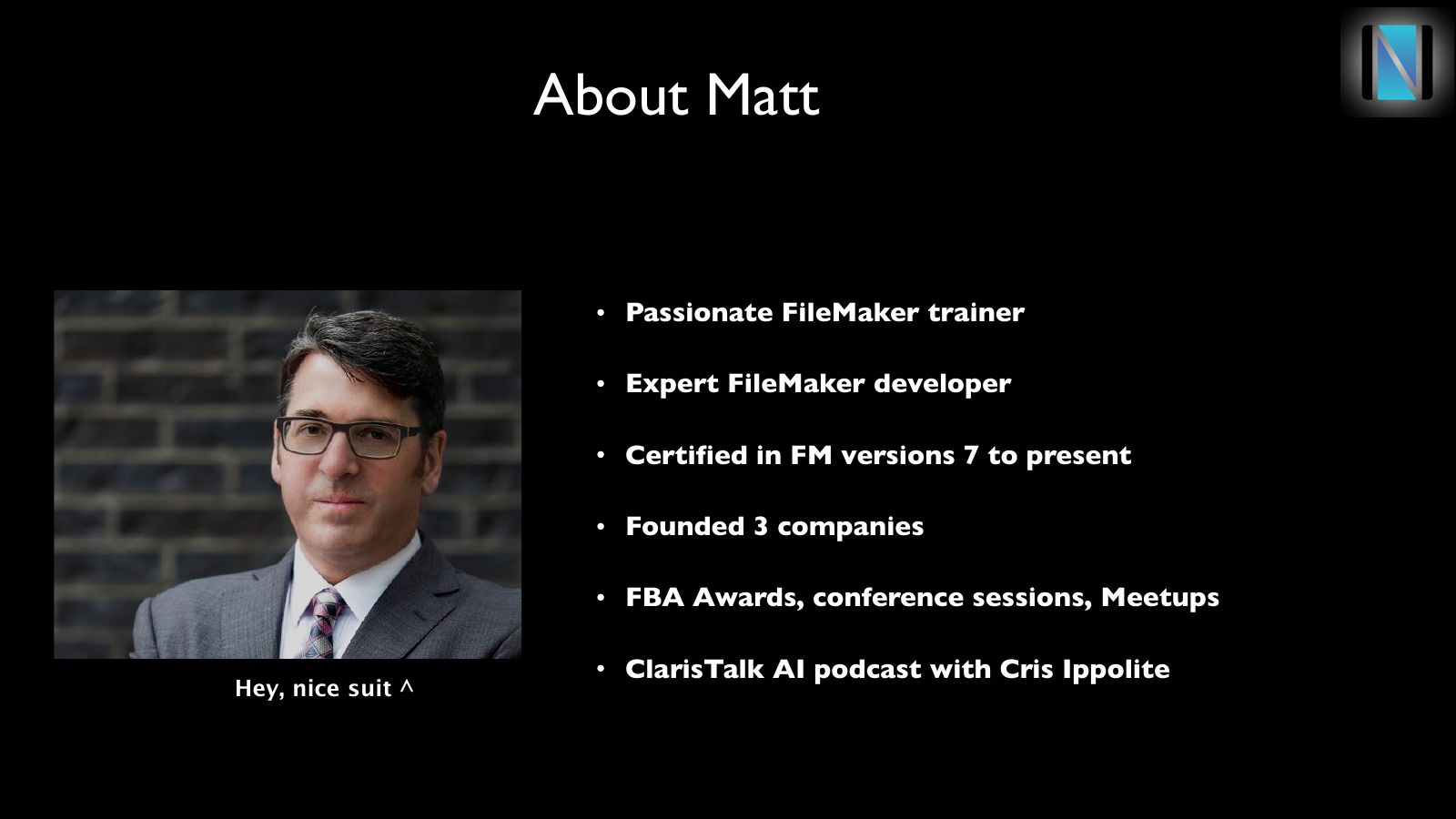
- Passionate FileMaker trainer
- Expert FileMaker developer
- Certified in FM versions 7 to present
- Founded 3 companies
- FBA Awards, conference sessions, Meetups
- ClarisTalk AI podcast with Cris Ippolite
Hey, nice suit ^
Slide 3Offerings
- Free training series
- Two hour classes for $149
- Champion Class coming January 7th
- Mentoring & Coaching
Slide 4Agenda
- A few more slides
- Live demo / discussion / Q&A
Slide 5The Decision
- Review the entire database
- Graph, Fields, layouts, themes, scripts
- Use of old/outdated features?
- Repeating fields, lookups, auto-enter BS, custom menus, dead plug-ins
Slide 6The Decision
- Do I stay or do I go?
- Opinion: If possible, edit current database, and add features starting with lowest hanging fruit
- Update and clean as you go
- Leave awful things alone if they are working
Slide 7Keep DB – Downsides
- It looks old
- Lots of time spent updating
- Multi-file hell
- Kind of endless
Slide 8Keep DB – Upsides
- Deliver value immediately
- Virtually no risk of losing client
- User acceptance
- Possibly more revenue over time?
- But also possibly more value delivered
Slide 9Start Over – Downsides
- Long delay before going live
- Hard to involve key players
- User acceptance / rejection
- Risky. Client has ‘no skin in the game’
Slide 10Start Over – Upsides
- Fresh, modern, beautiful
- Easier and cheaper to maintain
- Possibly less expensive
- Best practices