navarre.ai
AI Reporting
Download the slides (PDF, 1.0 MB) →Read the slides as text →
Slide 1Claris Explorer Lab
Generative AI in FileMaker
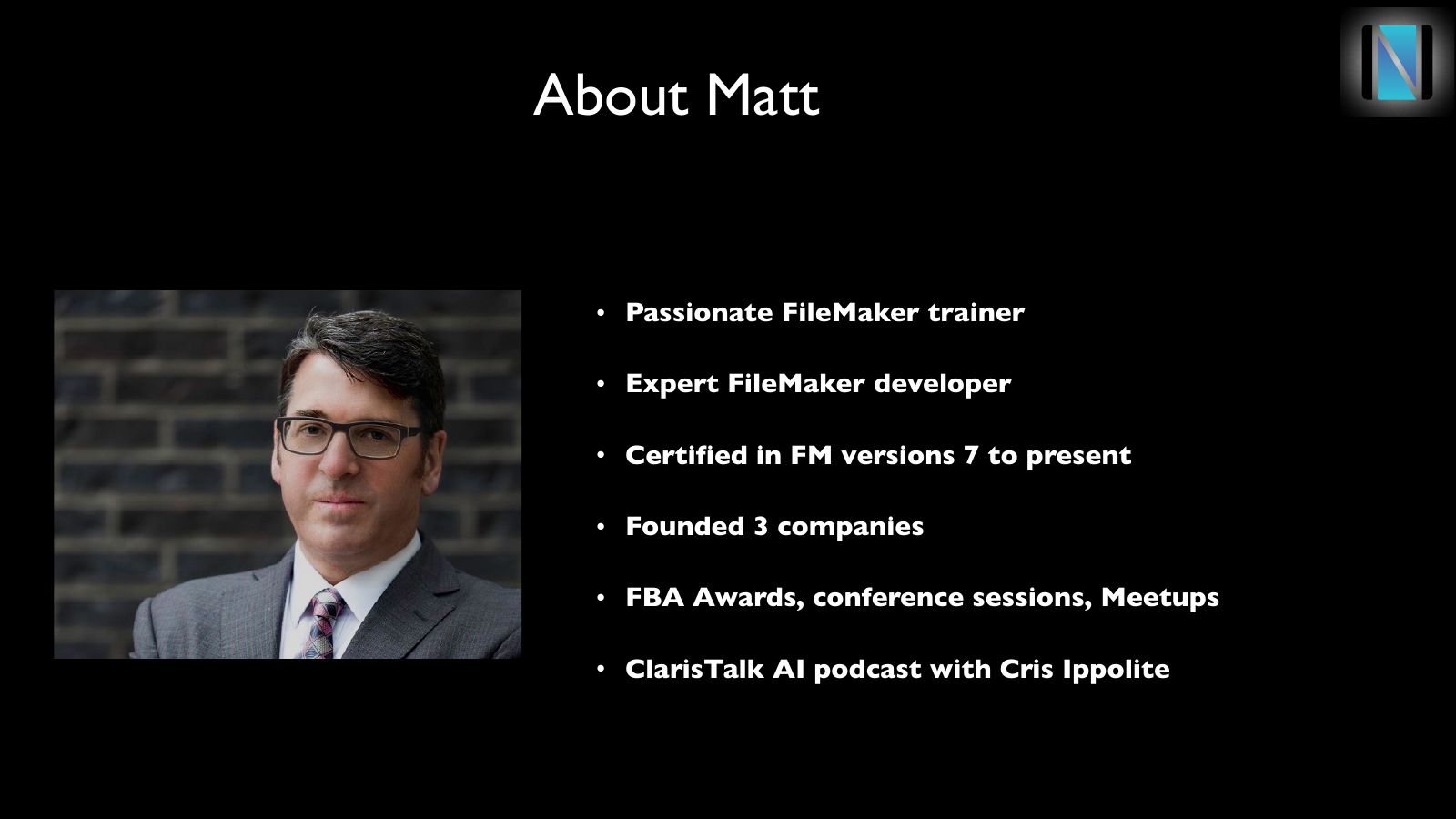
Slide 2About Matt
- Passionate FileMaker trainer
- Expert FileMaker developer
- Certified in FM versions 7 to present
- Founded 3 companies
- FBA Awards, conference sessions, Meetups
- ClarisTalk AI podcast with Cris Ippolite
Slide 3Navarre Training
- www.navarre.training
- matt@navarre.training
- Schedule a free zoom to talk about your learning path
Slide 4FileMaker Champion Series
- Live, interactive, skills-based, current best practices
- Foundations, Intermediate, Expert
- Three classes cover the platform from end to end
- Interactive class, focuses on skills and retention
- Learn best practices, new features including AI integration
Slide 5FileMaker Champion Series
- Foundations: September 8th
- Intermediate: September 22
- AI Integration: Oct 20th
Slide 6Agenda
- A few more slides
- Interactive training ~ 45 minutes
- Discussion / Q&A minutes
Slide 7Goals
- Start from sample data file
- Generative AI’s place in FileMaker
- Changes in FM 2025
- Discuss agents, assistants and more
- Integrate and play with prompts
Slide 8Report, defined
- Displays meaningful data
- Customizable
- Visual
- Can be run as data changes
Slide 9The old way
- Create a list layout
- Add fields, sub-summaries, sorts, etc.
- Create UI to run report with date ranges,etc.
- Write a (complex) script to find and display data
- Difficulty: Medium
- Extra credit: virtual list, PDF export, etc.
Slide 10The New Way: Method One
- Leverage existing layouts to display data
- ‘Generate Response from Model’
- Replaces UI, find, sort, script, etc.
- Uses AI to search/sort, leverages existing FM power
- Difficulty: Easy
Slide 11The New Way: Method Two
- Use Generative AI to create text
- Or to create HTML
- Shifts work from FM scripting to prompt engineering
- Requires structured as ‘truth’
- Difficulty: Medium
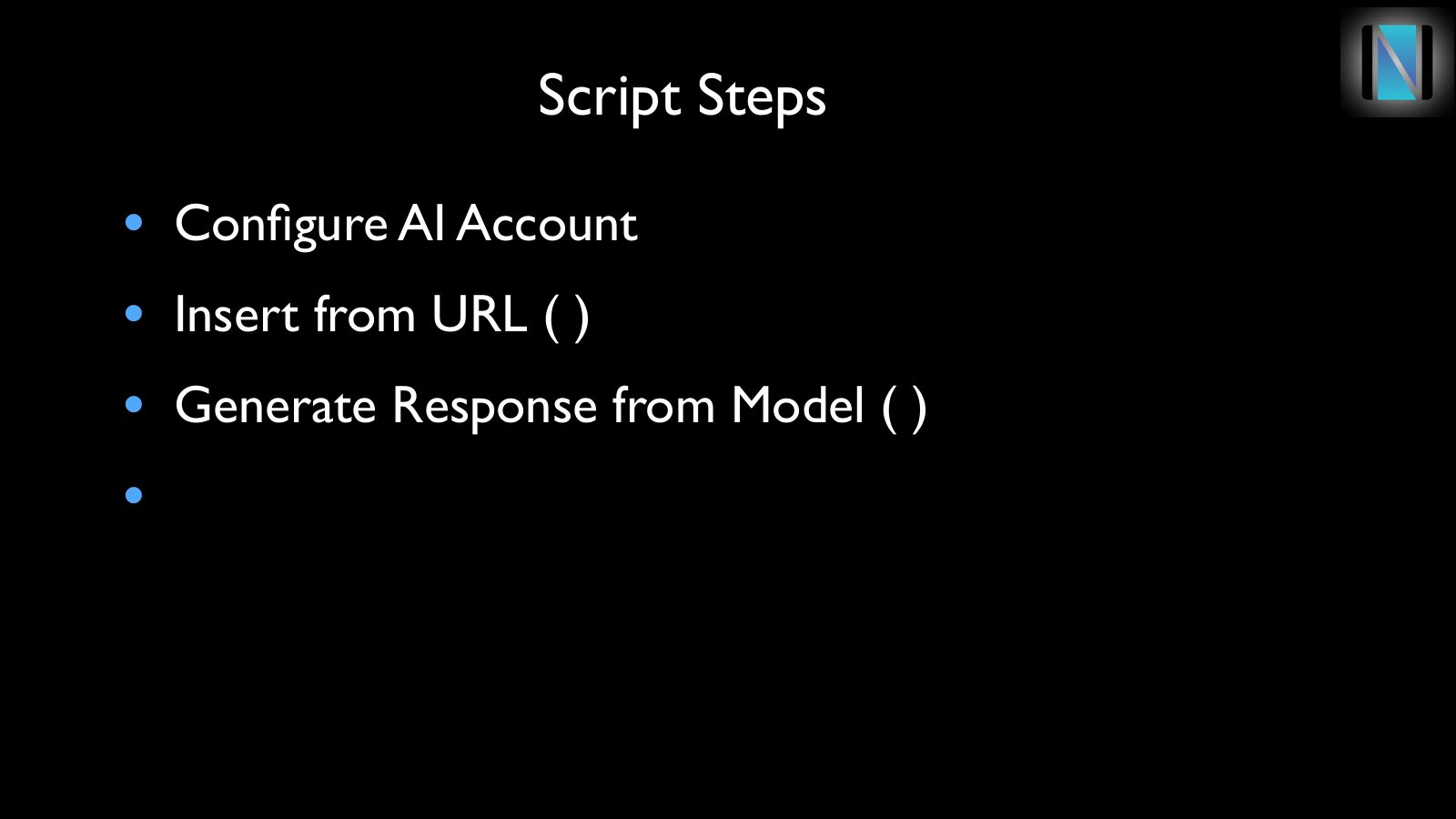
Slide 12Script Steps
- Configure AI Account
- Insert from URL ( )
- Generate Response from Model ( )