 navarre.ai
Search & JSON
Download the slides (PDF, 1.5 MB) →Read the slides as text →
Slide 1Search & JSON
- claris.training
- {
- “presentation”: "JSON",
- }

Slide 2About Matt
- Passionate FileMaker trainer
- Expert FileMaker developer
- Certified in FM versions 7-19
- Founded 3 companies
- FBA Awards, conferences, podcasts, Meetups
Hey, nice suit ^
Slide 3SearchResults 7
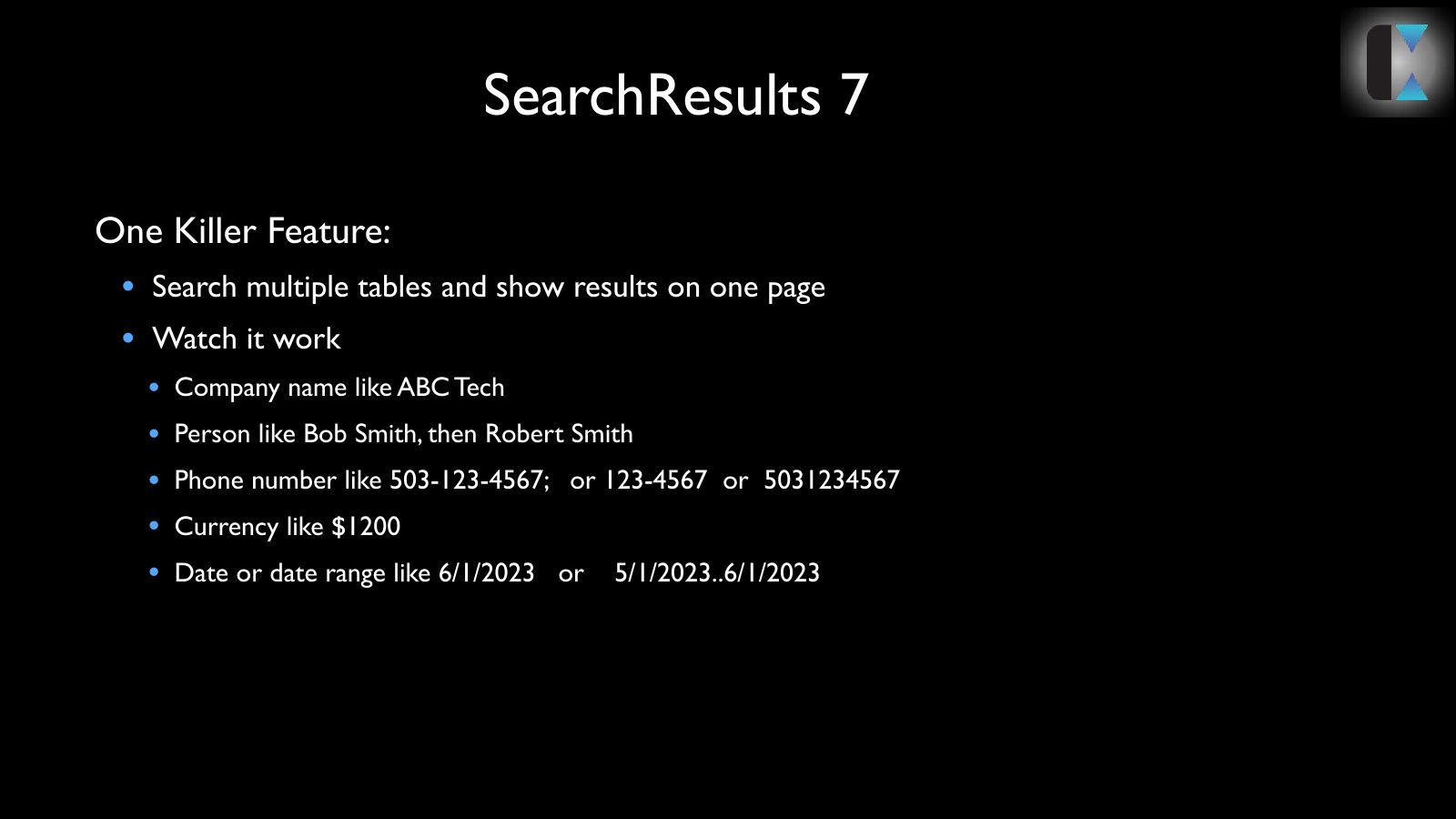
- One Killer Feature:
- Search multiple tables and show results on one page
- Watch it work
- Company name like ABC Tech
- Person like Bob Smith, then Robert Smith
- Phone number like 503-123-4567; or 123-4567 or 5031234567
- Currency like $1200
- Date or date range like 6/1/2023 or 5/1/2023..6/1/2023
Slide 4Pieces and Parts
- How do you make it go?
- A few Layouts
- One table with 4 fields
- A folder of scripts
- One ‘Perform Find’ line 179
Slide 5Layouts
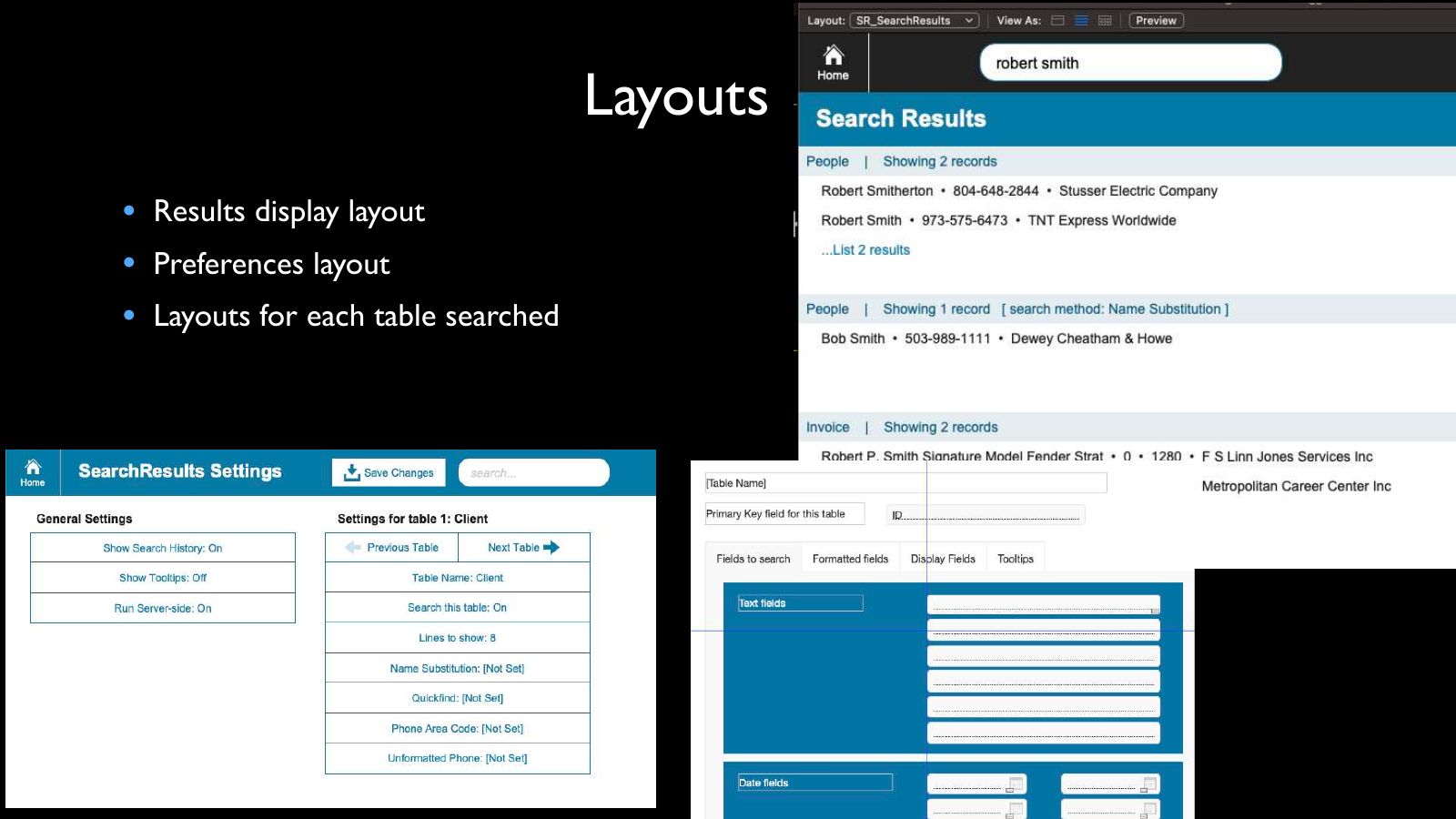
- Results display layout
- Preferences layout
- Layouts for each table searched
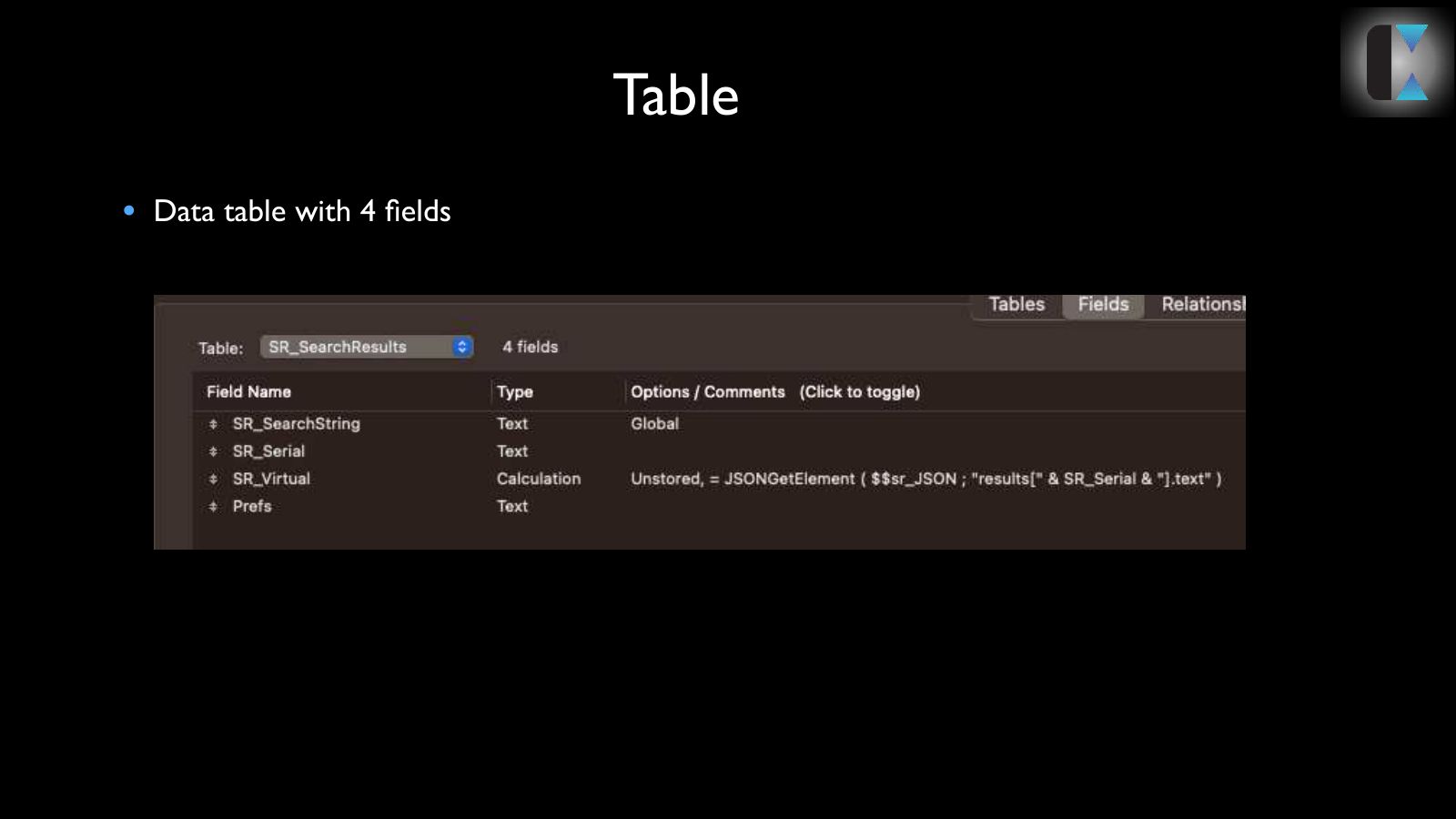
Slide 6Table
Data table with 4 fields
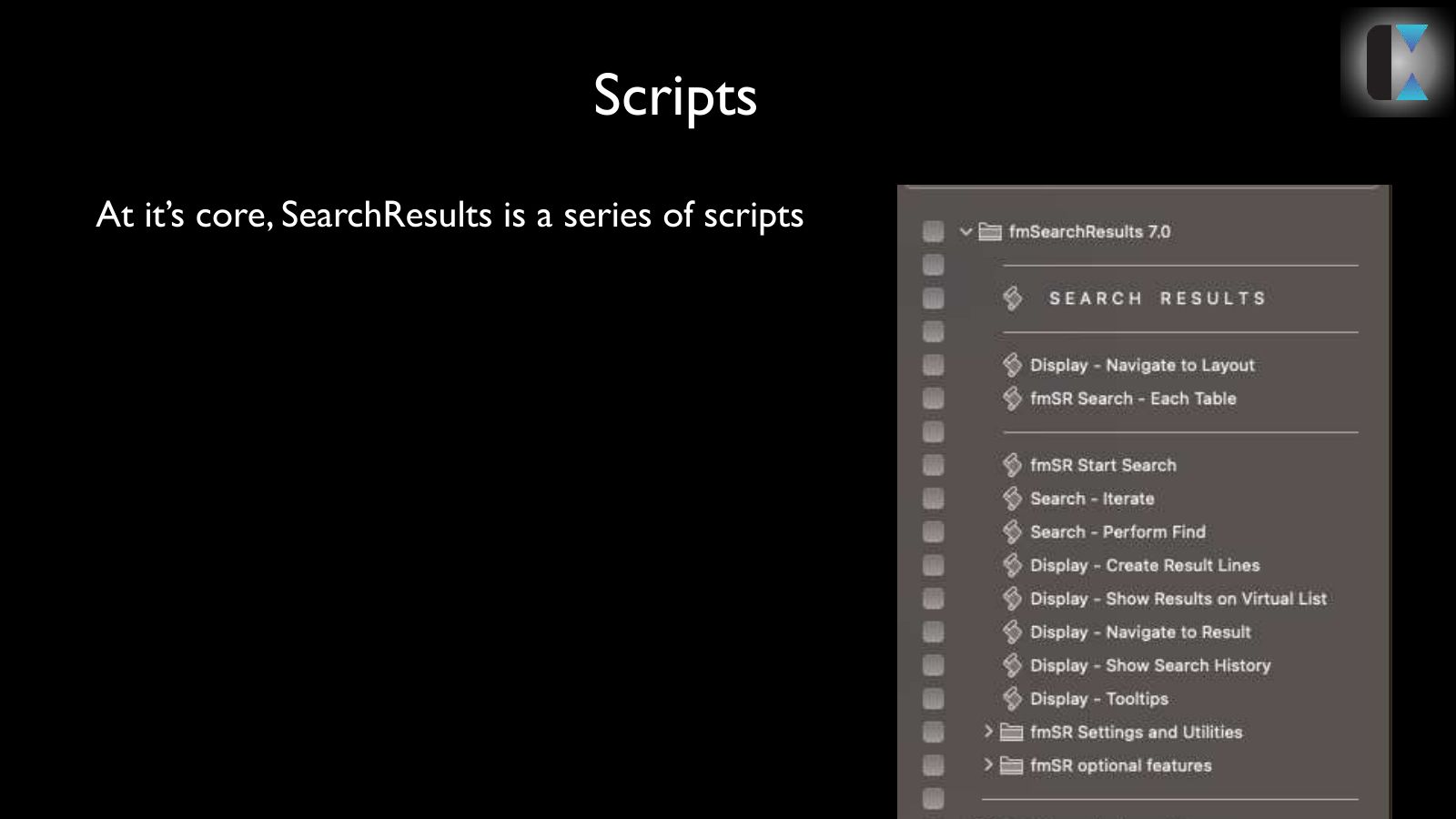
Slide 7Scripts
At it’s core, SearchResults is a series of scripts
Slide 8How?
- The Process:
- Global text field for user entry
- Determine what type of data user entered (date, number, person’s name, currency, etc.)
- Search only fields that match datatype in each table
- Iterates
- Gather results from each search in JSON blob
- Each line displays data, has primary key, table, and tooltip data
- Display results with Virtual List
- Change layout, card window, popover button, etc.
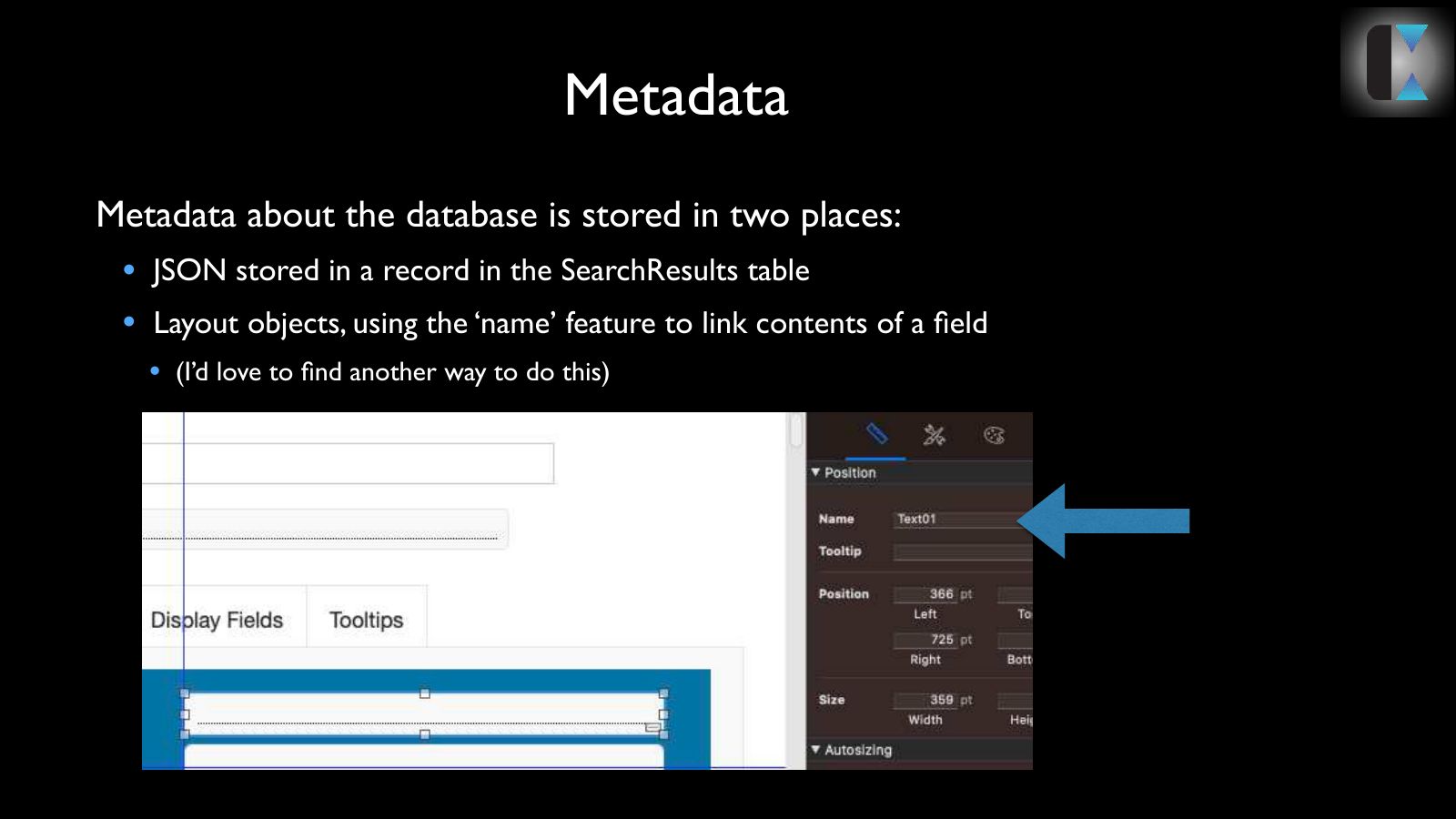
Slide 9Metadata
- Metadata about the database is stored in two places:
- JSON stored in a record in the SearchResults table
- Layout objects, using the ‘name’ feature to link contents of a field
- (I’d love to find another way to do this)
Slide 10Demo
Let’s go play with those features
Slide 11JSON
That’s all well and good. But how does JSON come into this?
Slide 12Key Calls
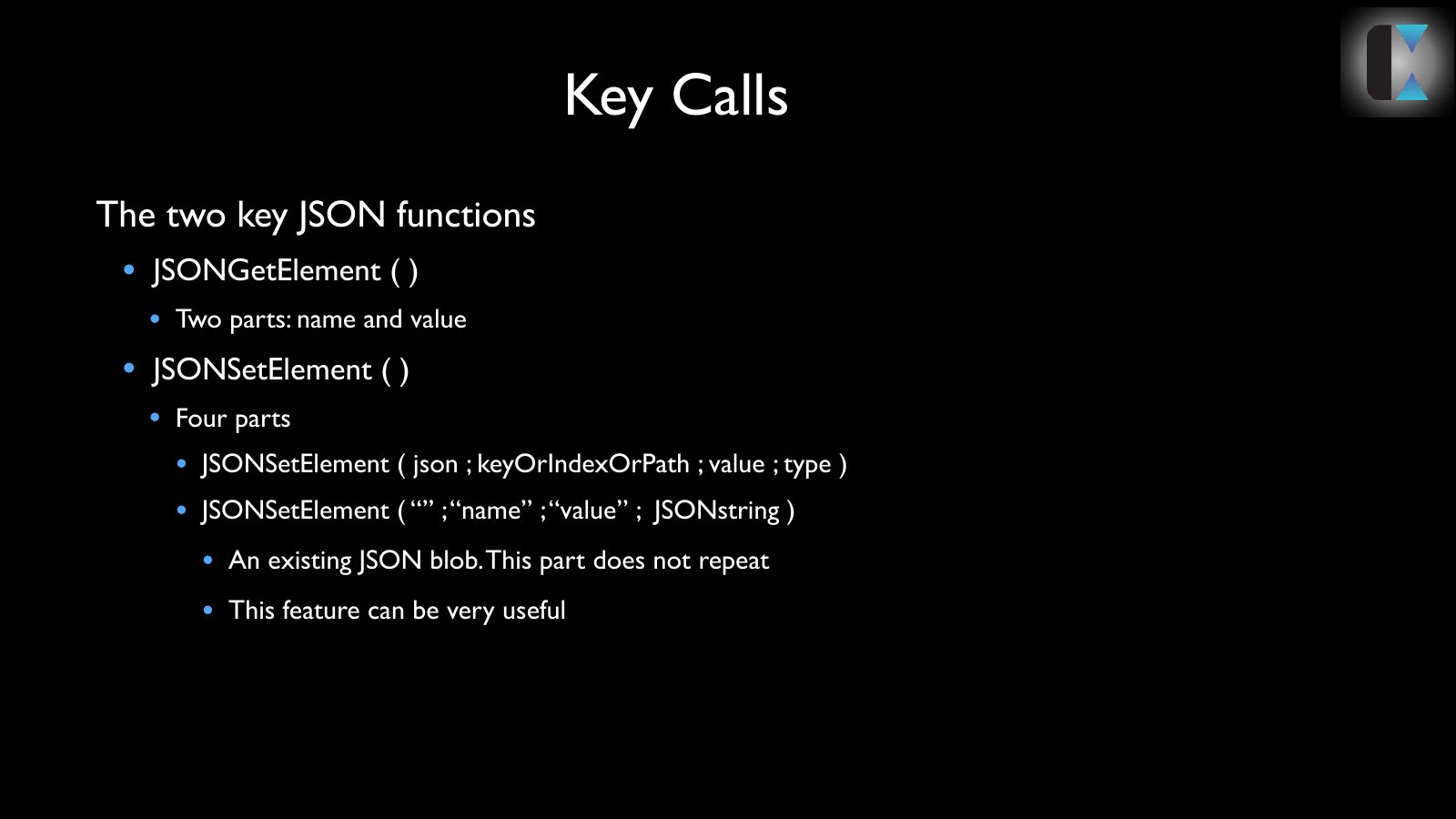
- The two key JSON functions
- JSONGetElement ( )
- Two parts: name and value
- JSONSetElement ( )
- Four parts
- JSONSetElement ( json ; keyOrIndexOrPath ; value ; type )
- JSONSetElement ( “” ; “name” ; “value” ; JSONstring )
- An existing JSON blob. This part does not repeat
- This feature can be very useful
Slide 13SearchResults and JSON
- All JSON. All the time.
- Prefs
- Script to script communication
- Results
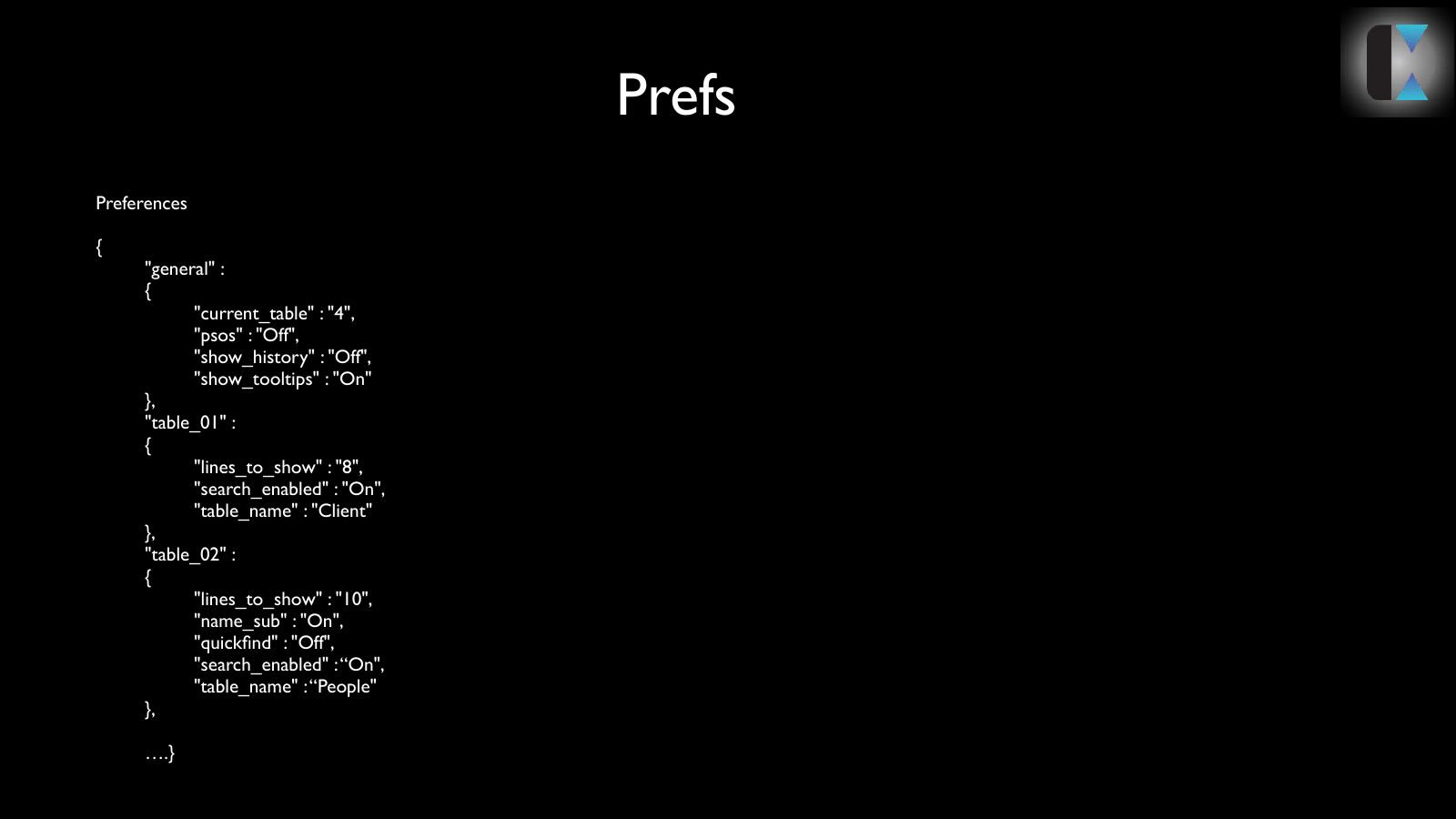
Slide 14Prefs
Preferences
{
"general" :
{
"current_table" : "4",
"psos" : "Off",
"show_history" : "Off",
"show_tooltips" : "On"
},
"table_01" :
{
"lines_to_show" : "8",
"search_enabled" : "On",
"table_name" : "Client"
},
"table_02" :
{
"lines_to_show" : "10",
"name_sub" : "On",
"quickfind" : "Off",
"search_enabled" : “On",
"table_name" : “People"
},
….}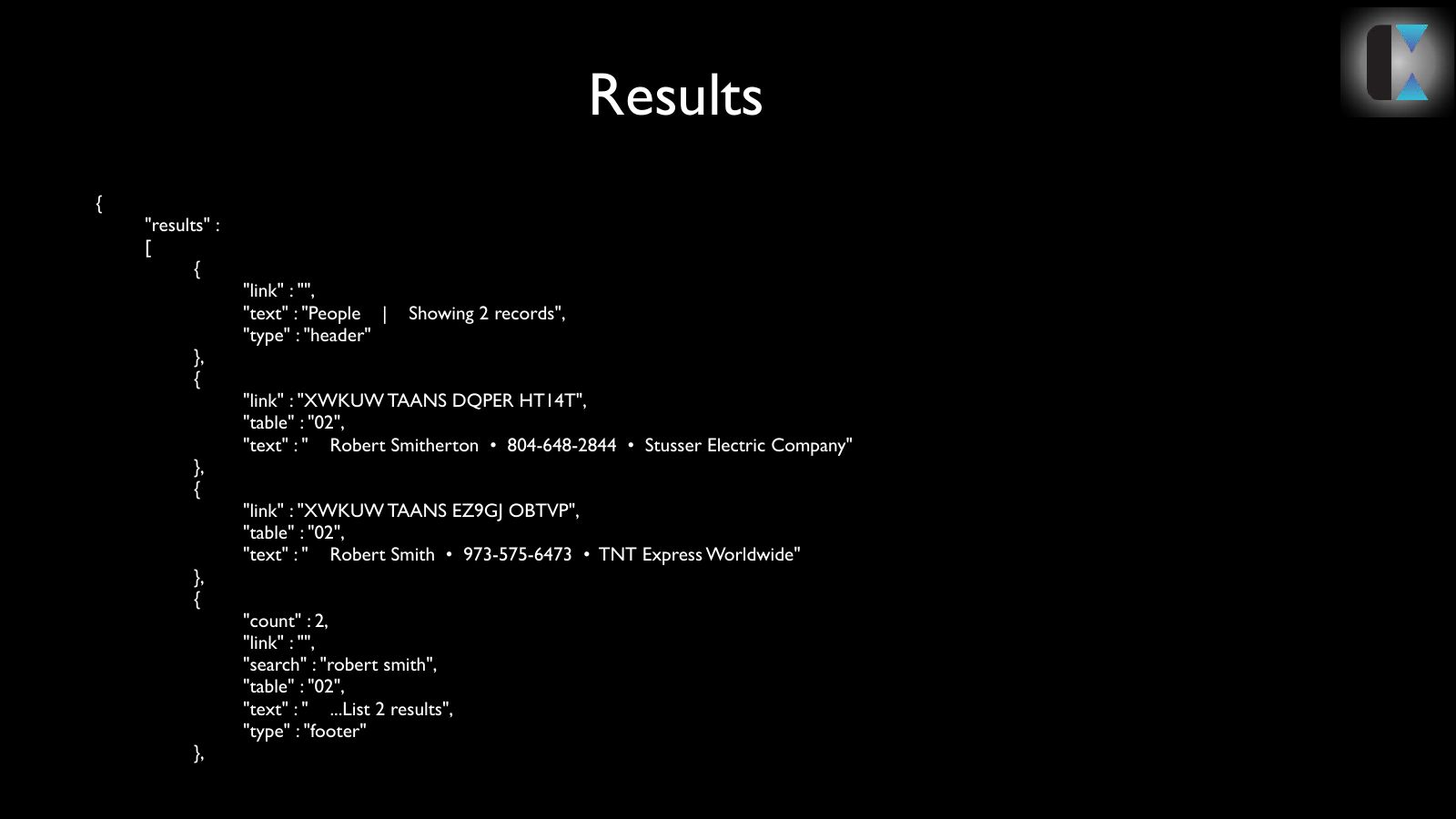
Slide 15Results
{
"results" :
[
{
"link" : "",
"text" : "People | Showing 2 records",
"type" : "header"
},
{
"link" : "XWKUW TAANS DQPER HT14T",
"table" : "02",
"text" : " Robert Smitherton • 804-648-2844 • Stusser Electric Company"
},
{
"link" : "XWKUW TAANS EZ9GJ OBTVP",
"table" : "02",
"text" : " Robert Smith • 973-575-6473 • TNT Express Worldwide"
},
{
"count" : 2,
"link" : "",
"search" : "robert smith",
"table" : "02",
"text" : " ...List 2 results",
"type" : "footer"
},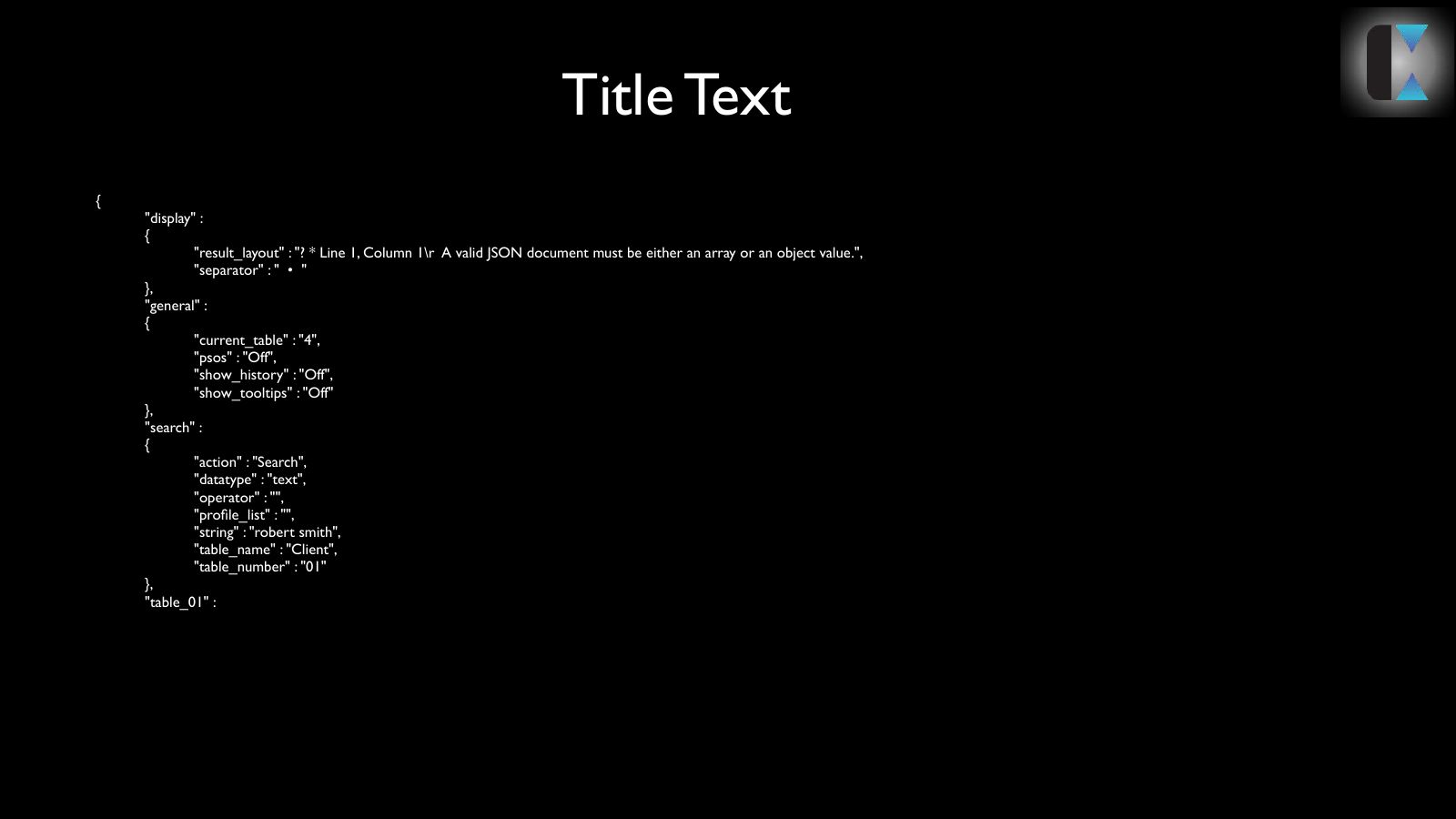
Slide 16
{
"display" :
{
"result_layout" : "? * Line 1, Column 1\r A valid JSON document must be either an array or an object value.",
"separator" : " • "
},
"general" :
{
"current_table" : "4",
"psos" : "Off",
"show_history" : "Off",
"show_tooltips" : "Off"
},
"search" :
{
"action" : "Search",
"datatype" : "text",
"operator" : "",
"profile_list" : "",
"string" : "robert smith",
"table_name" : "Client",
"table_number" : "01"
},
"table_01" :
{
"lines_to_show" : "8",
"search_enabled" : "On",
"table_name" : "Client"
Slide 17
{
"display" :
{
"result_layout" : "? * Line 1, Column 1\r A valid JSON document must be either an array or an object value.",
"separator" : " • "
},
"general" :
{
"current_table" : "4",
"psos" : "Off",
"show_history" : "Off",
"show_tooltips" : "Off"
},
"search" :
{
"action" : "Search",
"datatype" : "text",
"operator" : "",
"profile_list" : "",
"string" : "robert smith",
"table_name" : "Client",
"table_number" : "01"
},
"table_01" :
{
"lines_to_show" : "8",
"search_enabled" : "On",
"table_name" : "Client"
},