 navarre.ai
DEV024 Extend Search in Your Solutions
Download the slides (PDF, 4.4 MB) →Read the slides as text →
Slide 1Extend Search in Your Solutions
- DEV024
- Matt Navarre
- MSN Media
Slide 2Business
- Database developer since 1983
- MSN Media, Inc. 1989
- FBA Platinum
- Certified in 7–12
- FileMaker Excellence Award 2005, Sales
- FileMaker Evangelist of the Year 2011
- Oregon Public Health
Slide 3Pleasure
- Portland FMPug chapter coordinator
- Filemaker Talk Podcast - with Matt Petrowsky
- Musician, photographer, collector, traveler, cyclist




Slide 10Demo
- Where are we going with this?
- fmSR version 4 ßeta
Slide 1110 Ideas
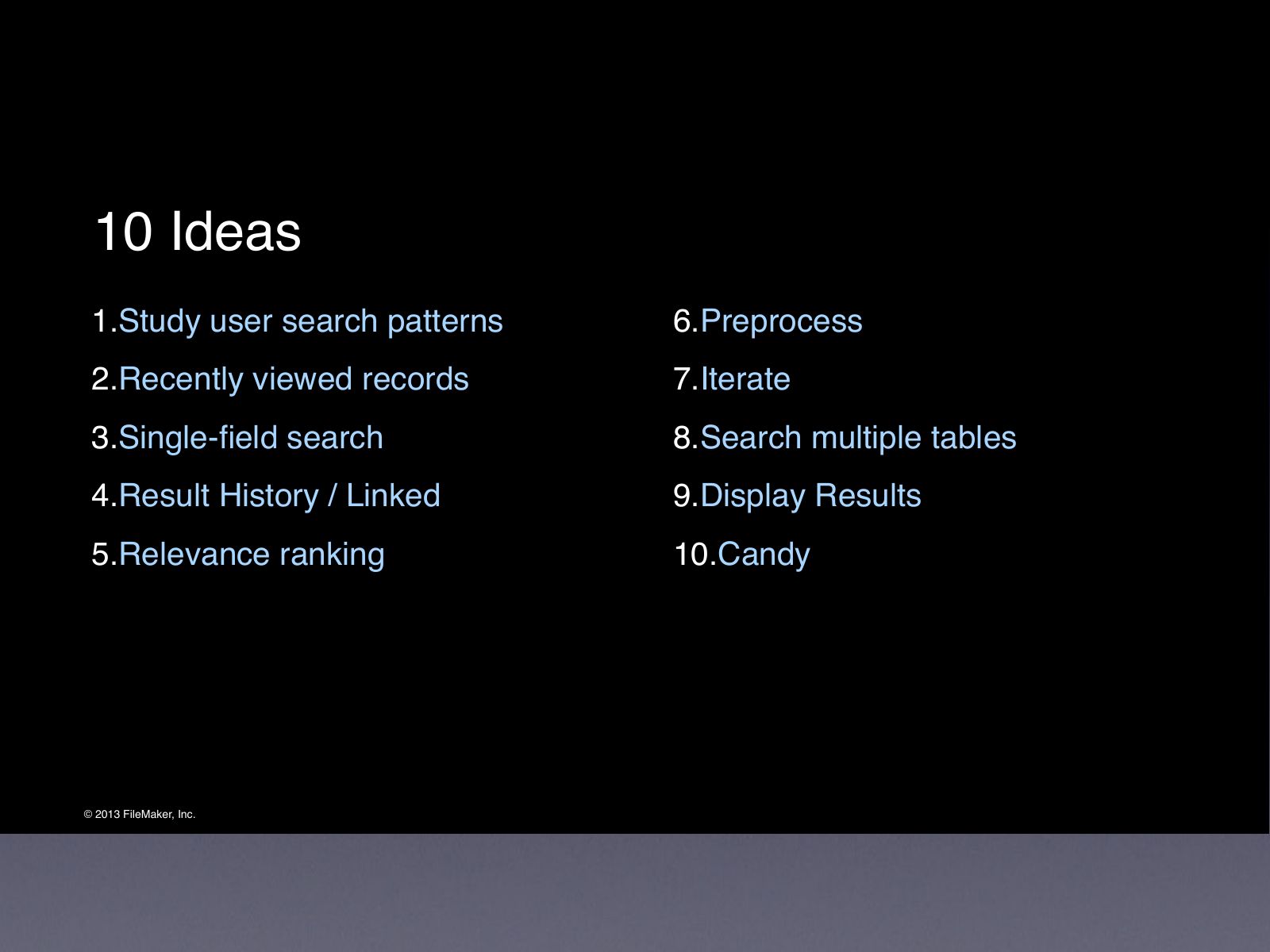
- Study user search patterns
- Recently viewed records
- Single-field search
- Result History / Linked
- Relevance ranking
- Preprocess
- Iterate
- Search multiple tables
- Display Results
- Candy
Slide 121: Study Users
Slide 13User Search Patterns
- Observe Users in their natural habitat
- Observe, ask questions
- Shut up and watch
- Make no assumptions
Slide 14User Search Patterns
- Log user searches
- Analyze patterns
- Is there an 80/20 rule?
- 90/10 rule?
- Which tables are searched and which aren’t?
- Discover new use cases?
- Facilitate common searches
Slide 152. Recently Viewed Records
Slide 16Recently Viewed Records
- More like Web History than a ‘Back’ solution
- Integrate by adding a single table
- Track record views for all records / primary tables
- Trigger script onRecordLoad
- Viewing a record should not modify that record
- Show sorted list of record views on Dashboard
Slide 17Recently Viewed Records
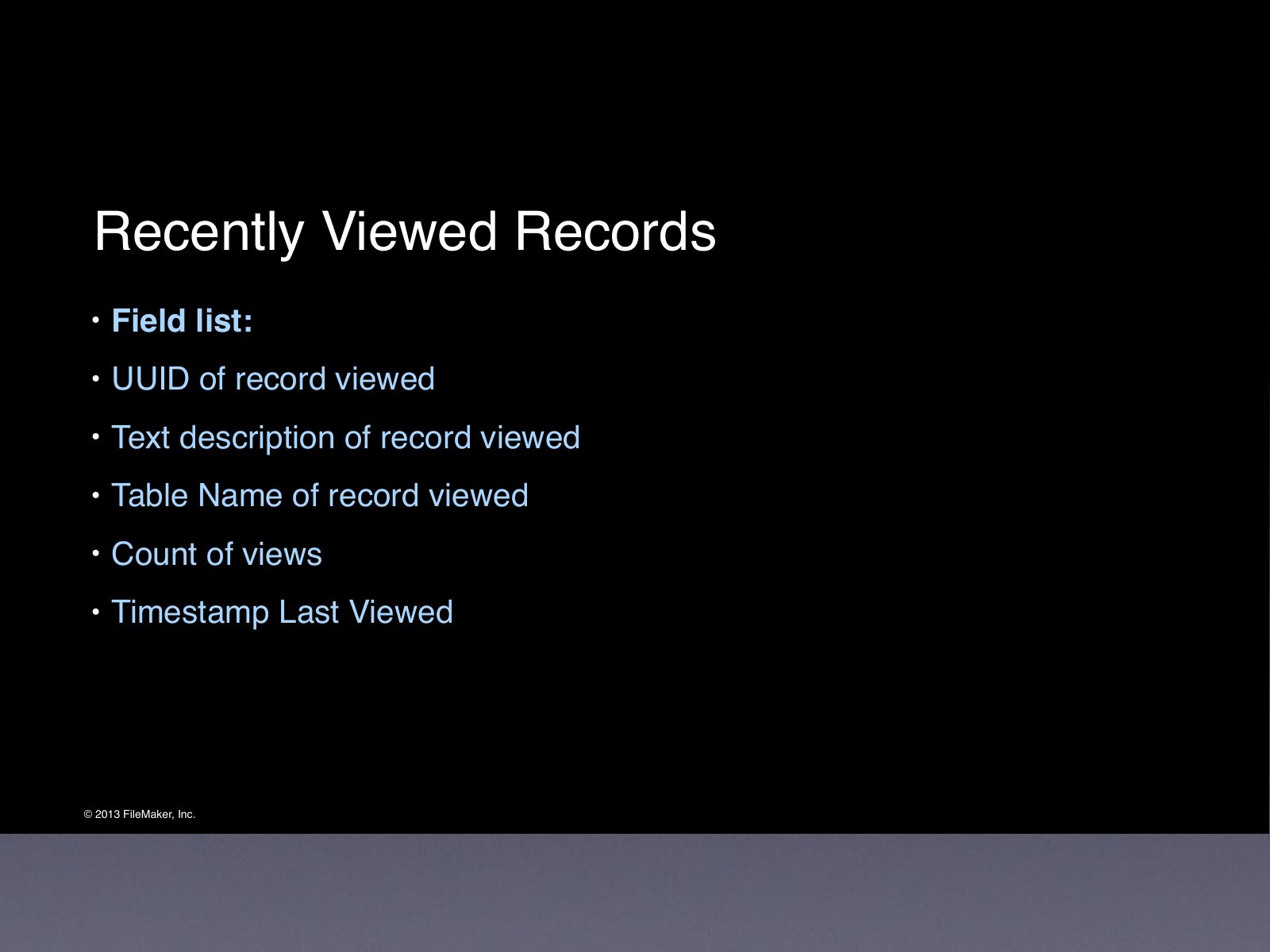
- Field list:
- UUID of record viewed
- Text description of record viewed
- Table Name of record viewed
- Count of views
- Timestamp Last Viewed
Slide 18Demo of ‘Reuse’
Slide 193. Single Field Search
Slide 20Single Field Search
- Follow The Leaders
- Yahoo, Excite, Lycos, Bing, InfoSeek, WebCrawler, Ask Jeeves, Alta Vista, etc.
- All users are trained on search from a single field
- Take advantage of the training provided by others
- Mimic basic features
- Consolidate results from everywhere
- Avoid ‘no records found’
Slide 21Single Field Search
- Search Widget on all layouts, in same place
- Or use Quick Find widget
- Triggered
- One line high
Slide 224. Build Result History Link to search terms
Slide 23Link Query to Click
- Concept: user search session
- Concept: Short-click vs. long-click
- Store association of search term with record viewed
- Learns Over over time
Slide 24Link Query to Click – Scenario
- Record exists for Barbara Jones, who recently changed last name
- User searches for ‘Barbara Peters’ and nothing is found
- User searches again for ‘Barbara’ and gets 20 results
- User sees list and recognizes, recalls new name
- Clicks on ‘Barbara Jones’ record
Slide 25Link Query to Click
- Add 1 table for Relevance. Fields:
- Field for search term user types
- Text description of record clicked
- Table name of record clicked
- UUID of record clicked
- Vote Counter
Slide 26Link Query to Click
- When User does a search, and quickly clicks a record
- Store a record for the initial search term (high quality)
- Store a record for last search term (lower quality)
- Search against the Relevance table
- Increment counter to score frequently used records
Slide 27Demo of Relevance
Slide 285. Relevance Ranking
Slide 29Relevance Ranking
- Concept: Relevance by inherent quality of record
- Concept: Relevance by similarity of search term
- Show only high quality results .. or ..
- Show all results, sort by relevance
Slide 30Relevance Ranking - Example
- Person names are among the most common search
- Relatively unique in any given system
- Very commonly miss spelled
- Haha, recursive humor
- Soundex
- Cast a wide net
- Levenshtein Edit Distance
- Function to measure similarity
Slide 31Demo of Soundex & Levenshtein
Slide 326. Preprocess
Slide 33Preprocess
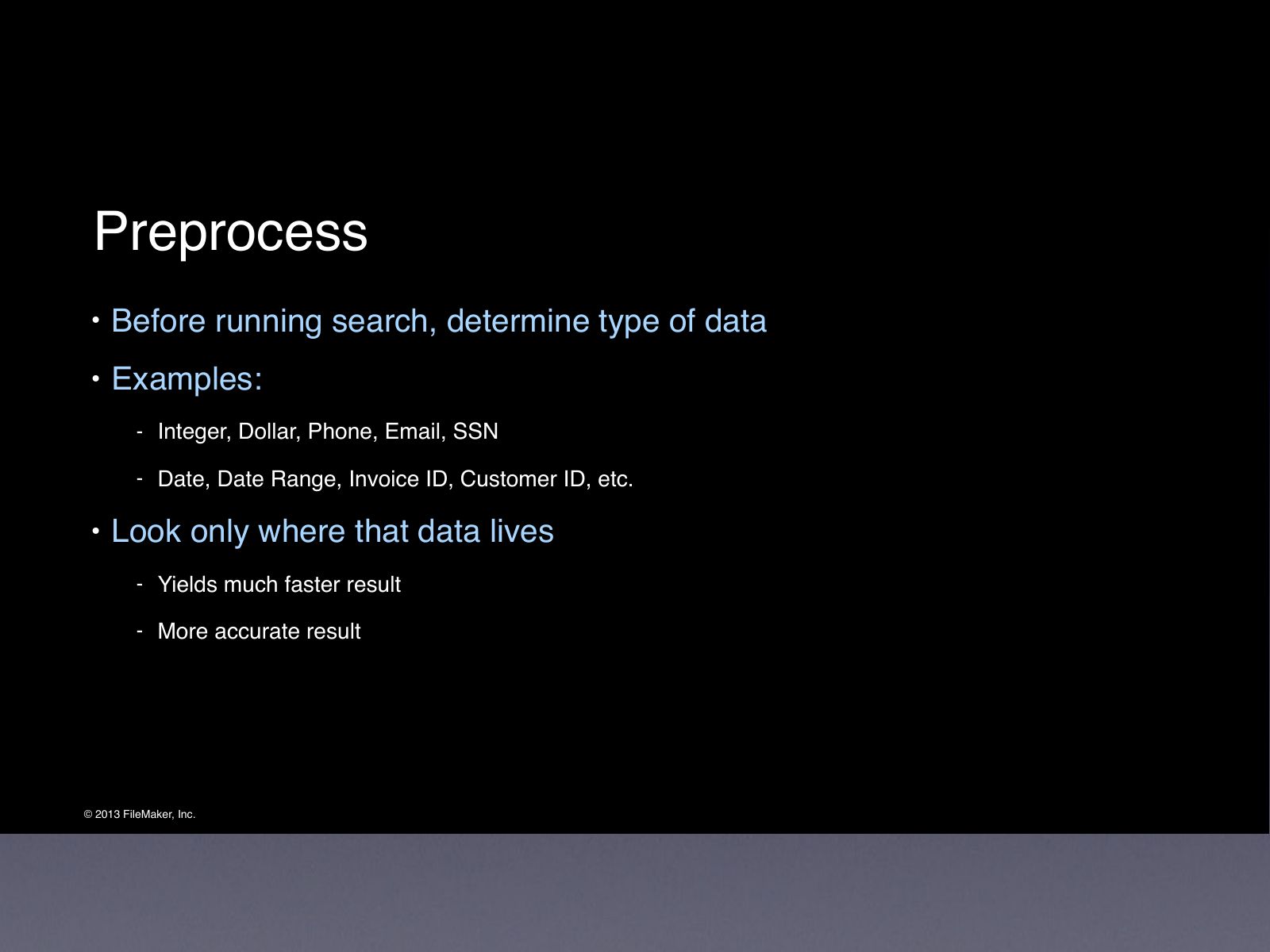
- Before running search, determine type of data
- Examples:
- Integer, Dollar, Phone, Email, SSN
- Date, Date Range, Invoice ID, Customer ID, etc.
- Look only where that data lives
- Yields much faster result
- More accurate result
Slide 34Preprocess
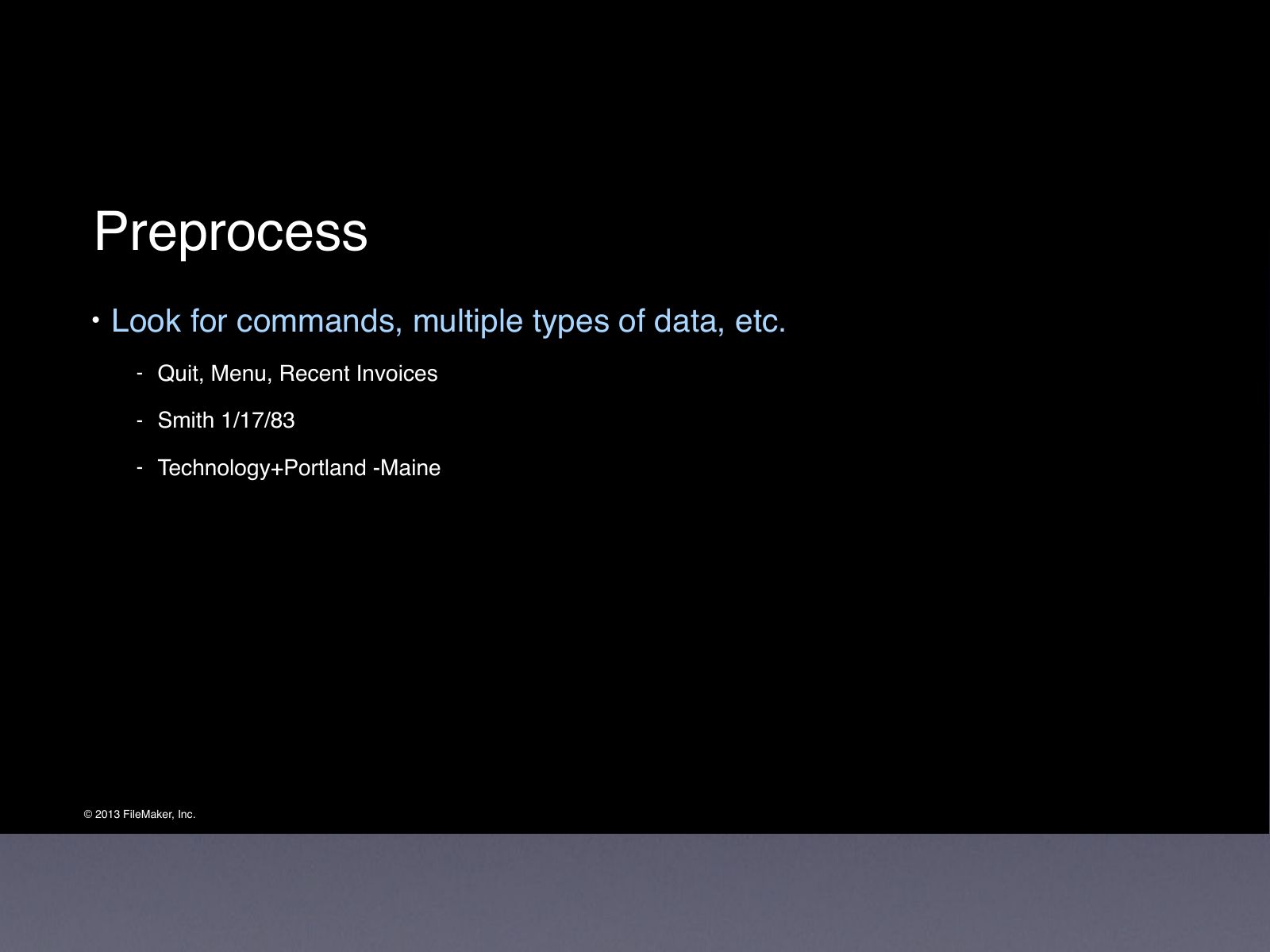
- Look for commands, multiple types of data, etc.
- Quit, Menu, Recent Invoices
- Smith 1/17/83
- Technology+Portland -Maine
Slide 35
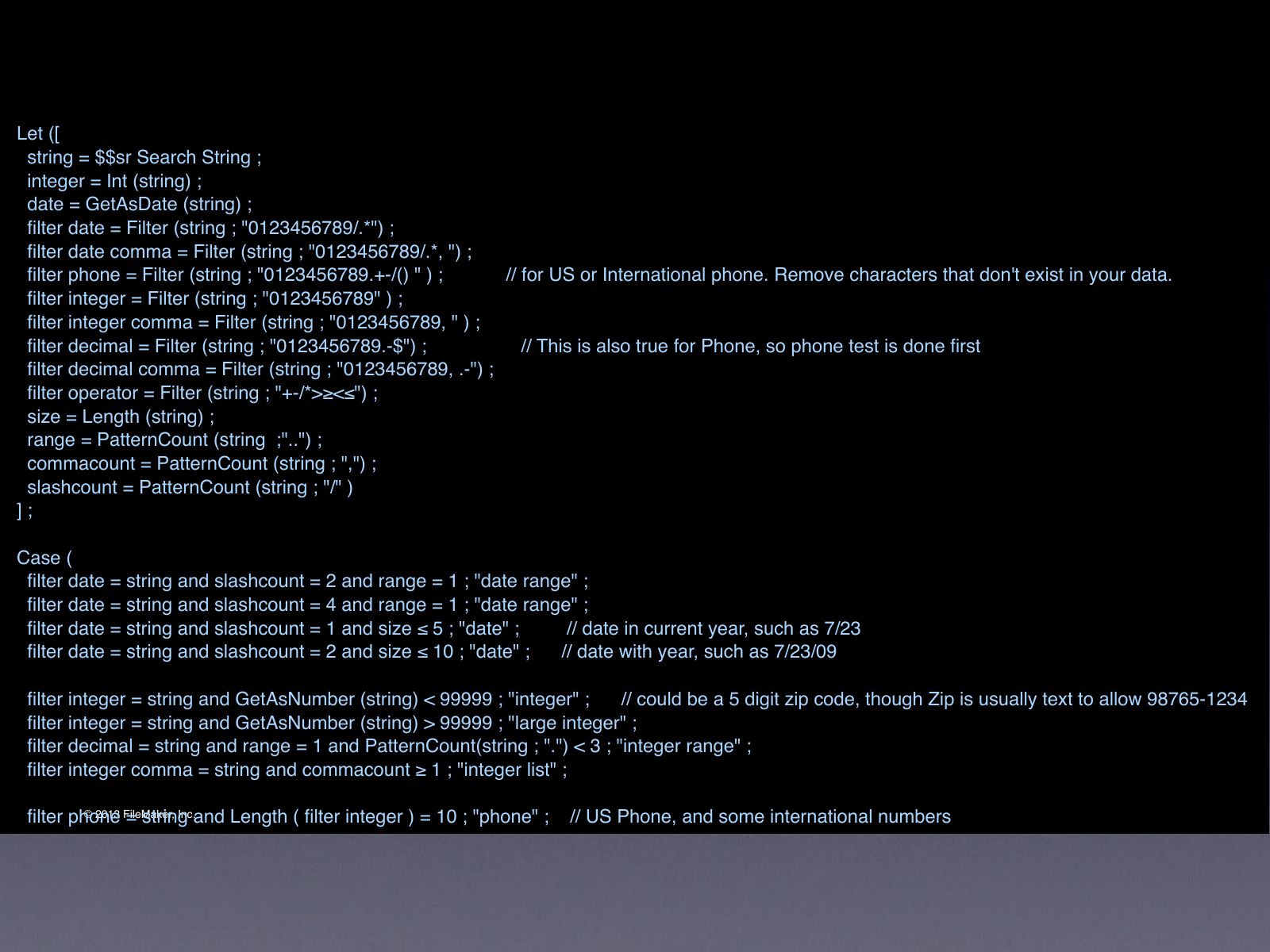
- Let ([
- string = $$sr Search String ;
- integer = Int (string) ;
- date = GetAsDate (string) ;
- filter date = Filter (string ; "0123456789/.*") ;
- filter date comma = Filter (string ; "0123456789/.*, ") ;
- filter phone = Filter (string ; "0123456789.+-/() " ) ; // for US or International phone. Remove characters that don't exist in your data.
- filter integer = Filter (string ; "0123456789" ) ;
- filter integer comma = Filter (string ; "0123456789, " ) ;
- filter decimal = Filter (string ; "0123456789.-$") ; // This is also true for Phone, so phone test is done first
- filter decimal comma = Filter (string ; "0123456789, .-") ;
- filter operator = Filter (string ; "+-/*>≥<≤") ;
- size = Length (string) ;
- range = PatternCount (string ;"..") ;
- commacount = PatternCount (string ; ",") ;
- slashcount = PatternCount (string ; "/" )
- ] ;
- Case (
- filter date = string and slashcount = 2 and range = 1 ; "date range" ;
- filter date = string and slashcount = 4 and range = 1 ; "date range" ;
- filter date = string and slashcount = 1 and size ≤ 5 ; "date" ; // date in current year, such as 7/23
- filter date = string and slashcount = 2 and size ≤ 10 ; "date" ; // date with year, such as 7/23/09
- filter integer = string and GetAsNumber (string) < 99999 ; "integer" ; // could be a 5 digit zip code, though Zip is usually text to allow 98765-1234
- filter integer = string and GetAsNumber (string) > 99999 ; "large integer" ;
- filter decimal = string and range = 1 and PatternCount(string ; ".") < 3 ; "integer range" ;
- filter integer comma = string and commacount ≥ 1 ; "integer list" ;
- filter phone = string and Length ( filter integer ) = 10 ; "phone" ; // US Phone, and some international numbers
- filter phone = string and Length ( filter integer ) = 7 ; "phone" ; // US Phone with no Area Code
- filter phone = string and Length ( filter integer ) = 12 ; "phone" ; // International phone numbers are sometimes 12 digits
- // filter phone = string and Length ( filter integer ) = 9 ; "ssn" ; // US Social Security number is like a phone, but with one less digit in the middle. Remove comments to use this
- filter decimal = string ; "decimal" ; // Important to check for Decimal after phone. 7, 10, and 12 digit decimals may require special case.
- filter decimal = string and range = 1 ; "decimal range" ;
- filter decimal comma = string and commacount ≥ 1 ; "decimal list" ;
- PatternCount (string ; "@" ) = 1 and PatternCount (string ; ".") ≥ 1 ; "email" ;
- "text" // none of the above is true, so it's text
- ) )
Slide 367. Iterate
Slide 37Iterate
- If at first you don’t succeed...
- ...then skydiving is not for you
- Never display ‘No Records Found’
- Start with ideal search
- Gradually broaden until results are found
- Truncate search term (Stanislavsky to Stani)
- Change AND searches to OR searches
- Search in additional fields, such as Notes
Slide 38Iterate
- Use Soundex function for names
- Use Quick Find to search all fields on a layout
- Use table you learned about in section 4
- Search on search terms that have previously been successful
- Fix common date errors
- 1/17/84 becomes 1/*/84 and 4/5/13 becomes 5/4/13
Slide 39Iterate
- Email trick
- FileMaker can’t seach for matt@msnmedia.com unless it’s in quotes
- Phone formatting
- User may enter 8806288, use method to show 503-880-6288
- Ranges, Extend and Constrain
Slide 40Demo fmSR
Slide 418. Search Multiple Tables
Slide 42Search Multiple Tables
- Iterate within each table, then iterate across tables
- Trick is displaying records
- Use repeating global fields, virtual list, or HTML
- Track IDs from each table
- Display results in consolidated ‘search’ table
Slide 439. Display Results
Slide 44Display Results
- List View
- Only one table
- Portal
- One table = easy
- Multiple tables = virtual list, etc.
- Repeating Global Field
- Pure FileMaker, but tricky to setup
- WebViewer
- Use fmp:// to link to record (hosted)
Slide 4510. Candy
Slide 46Candy
- Large static data tables
- Tax Lots
- Famous People
- All of Wikipedia
- SSNs
Slide 47Candy
- Wait, SSNs?
- Aren’t those private?
- Really REALLY private?
Slide 48Candy
- 85 Million SSNs
- Free file from ssdmf.info
- Contains Full Name, DOB & SSN
- Public record
- Caveat...
Slide 49Candy
Demo
Slide 50Summery
Slide 51Summery Someary
Slide 52Summery Someary Summary
Slide 53Summary
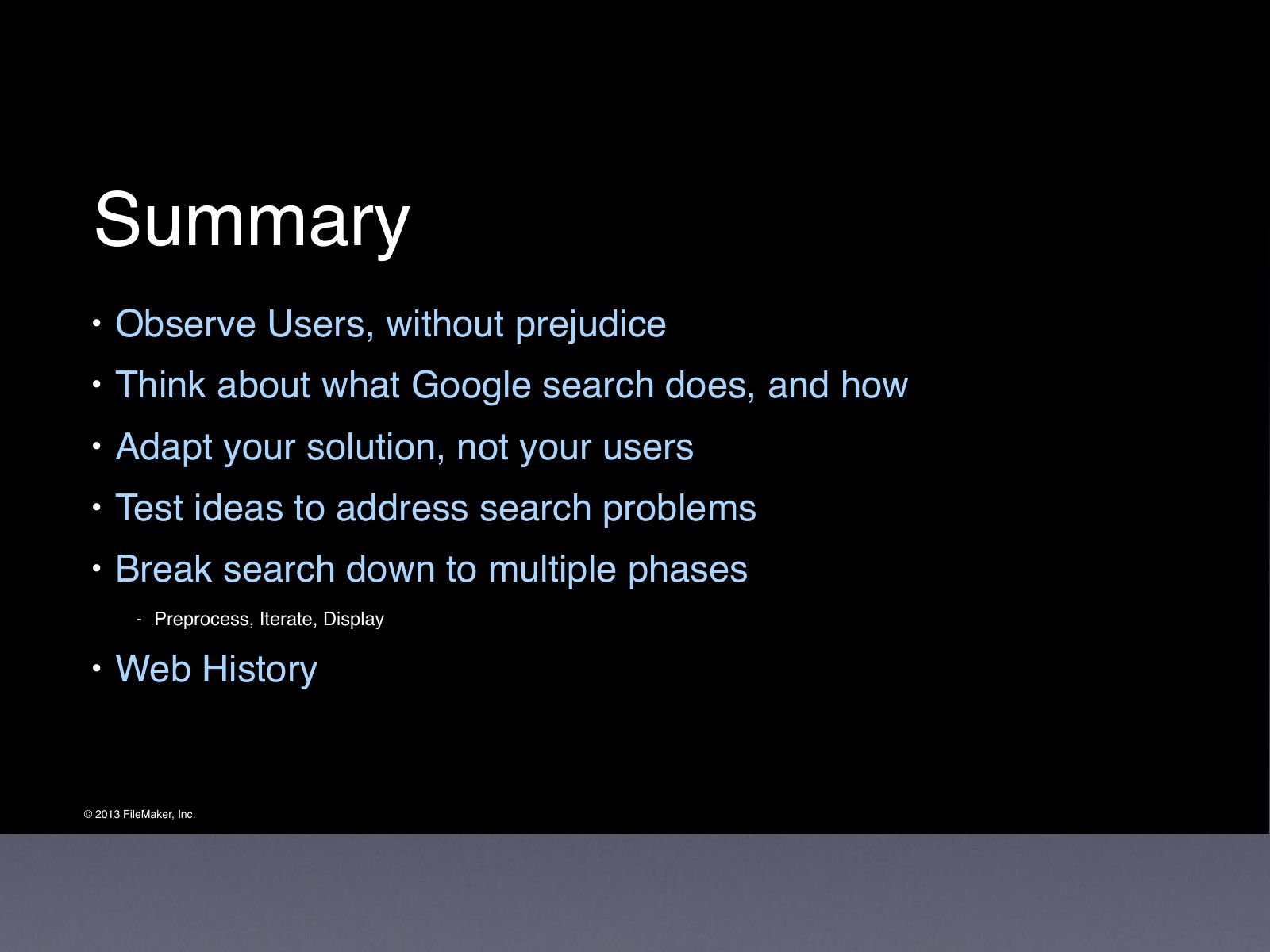
- Observe Users, without prejudice
- Think about what Google search does, and how
- Adapt your solution, not your users
- Test ideas to address search problems
- Break search down to multiple phases
- Preprocess, Iterate, Display
- Web History
Slide 54Summary
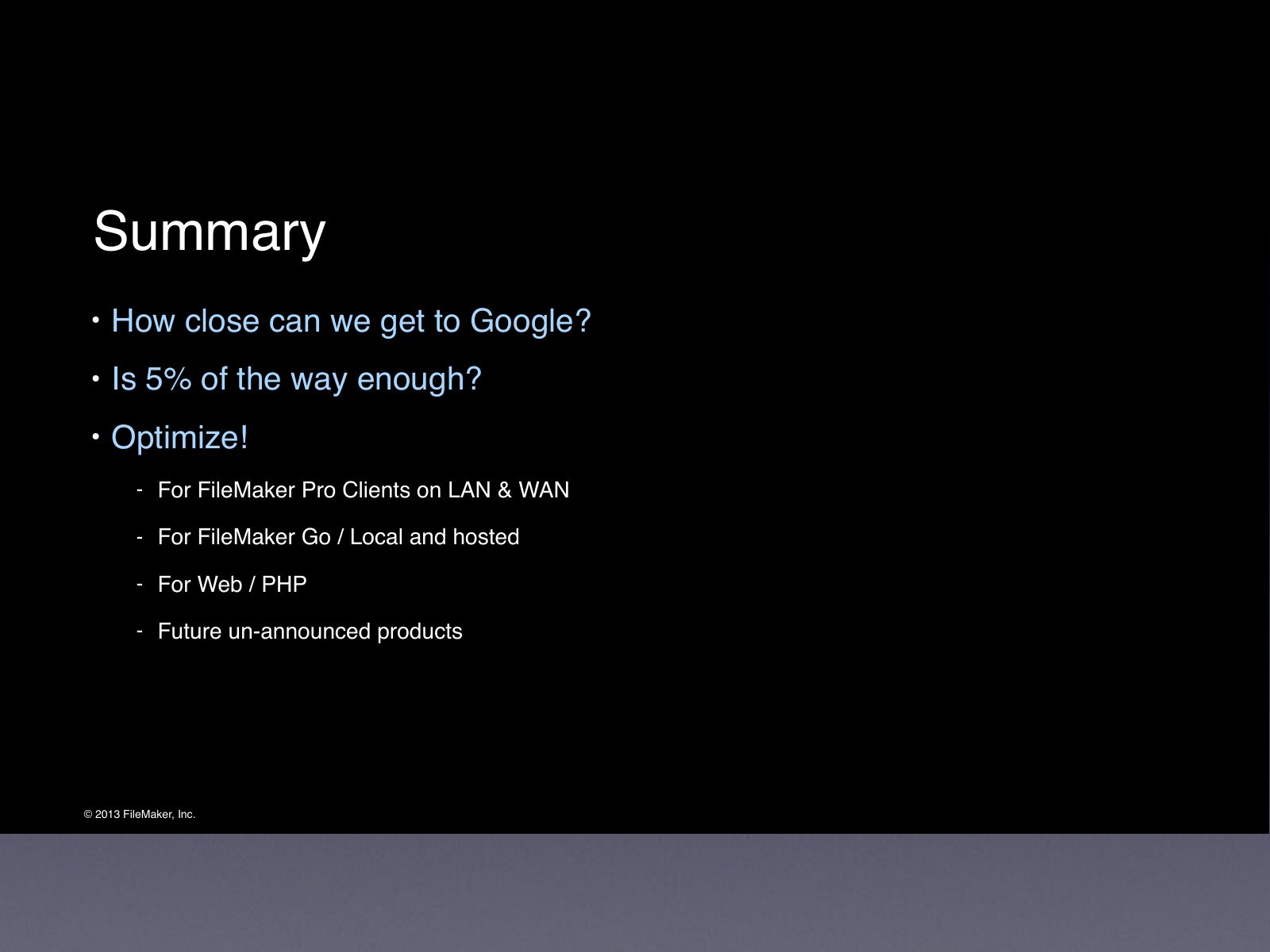
- How close can we get to Google?
- Is 5% of the way enough?
- Optimize!
- For FileMaker Pro Clients on LAN & WAN
- For FileMaker Go / Local and hosted
- For Web / PHP
- Future un-announced products
Slide 55Thank You
Slide 57Session Updates
- www.filemaker.com/devcon/speaker_updates
- This session DID have MAJOR updates.
- (This is also listed in your conference guide.)

Slide 58Thank You!
- Please remember to fill out the session evaluation at:
- www.filemaker.com/devcon/evaluations